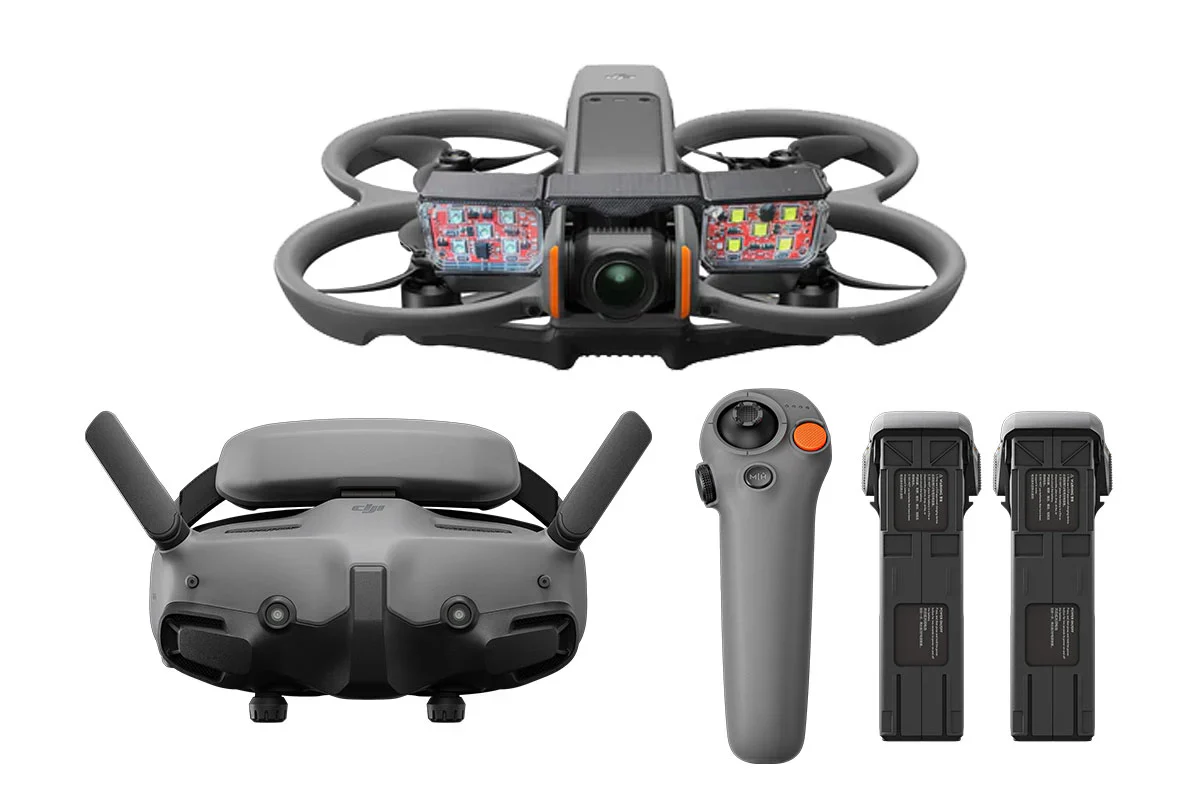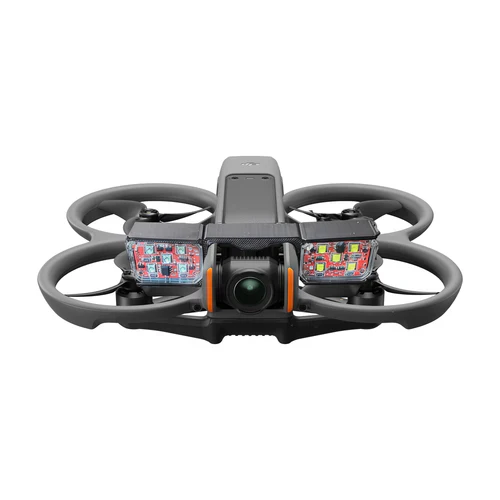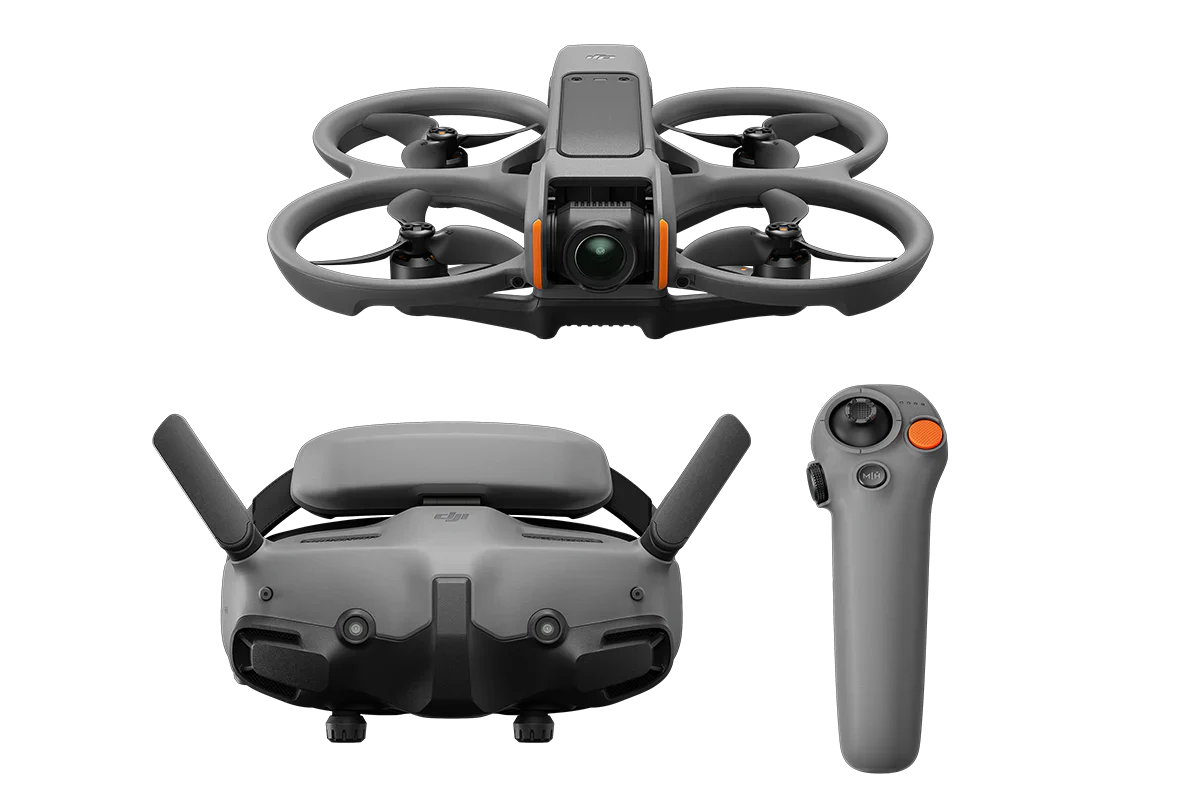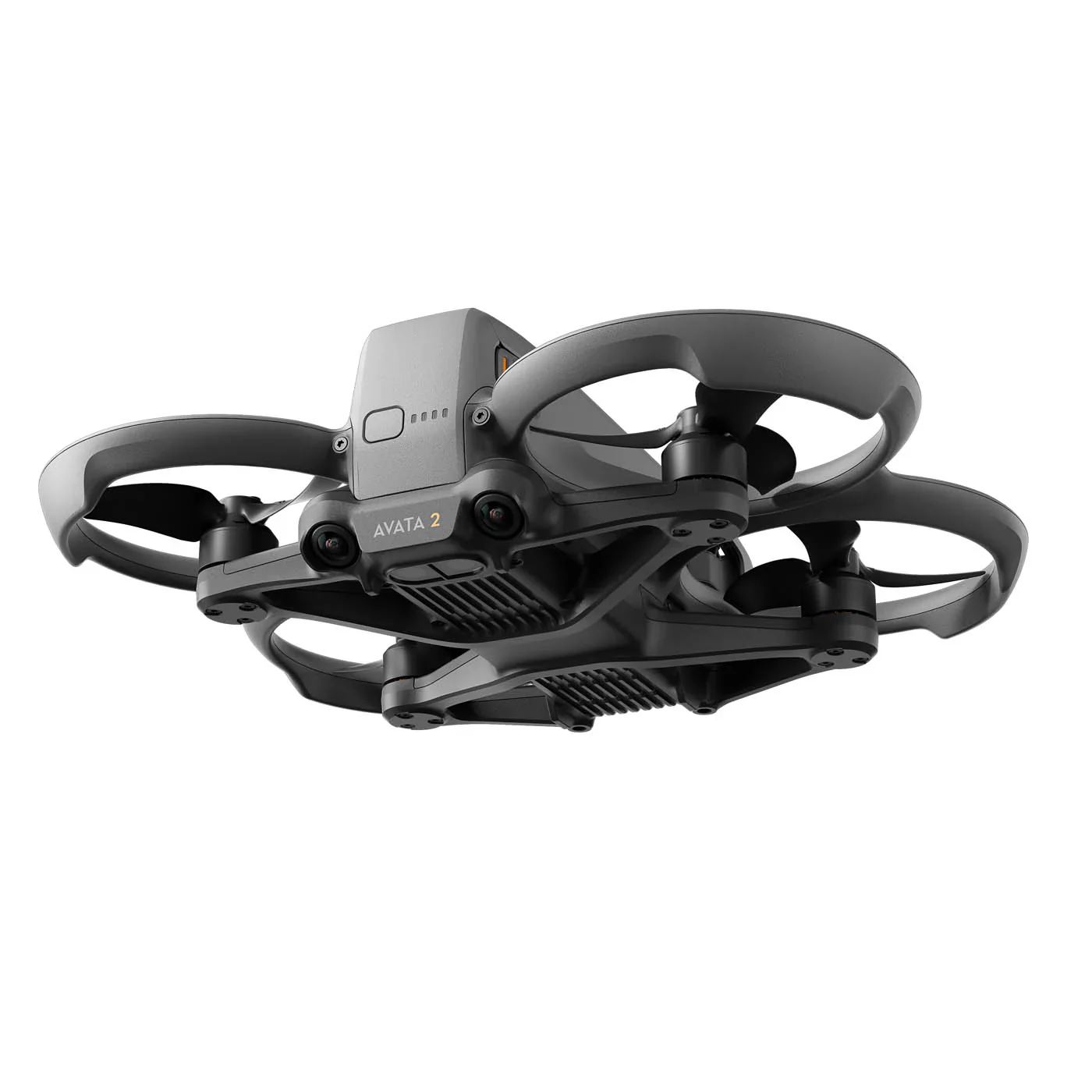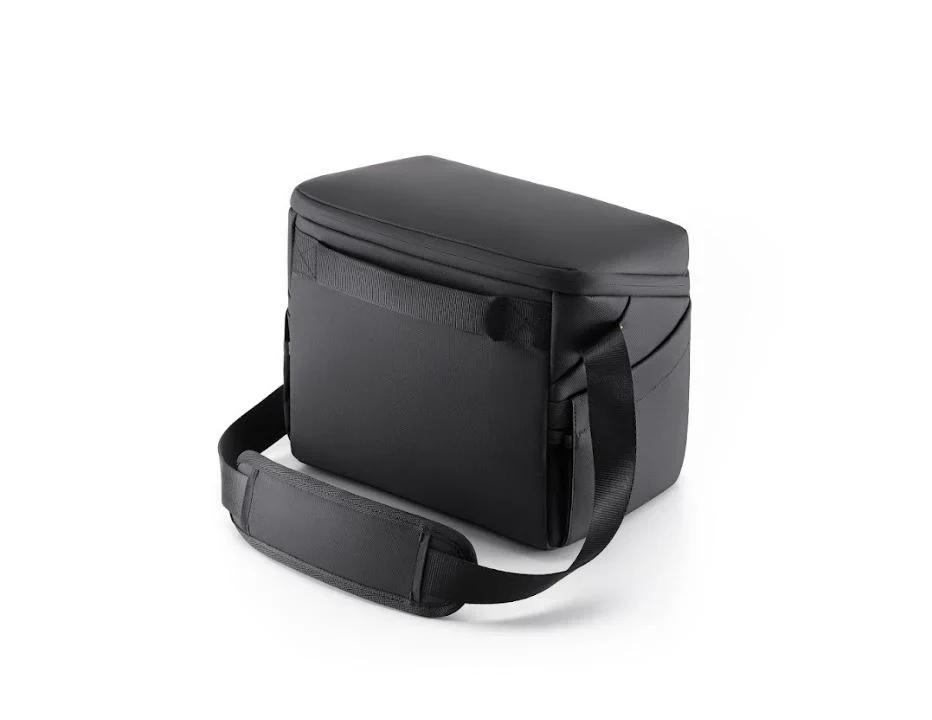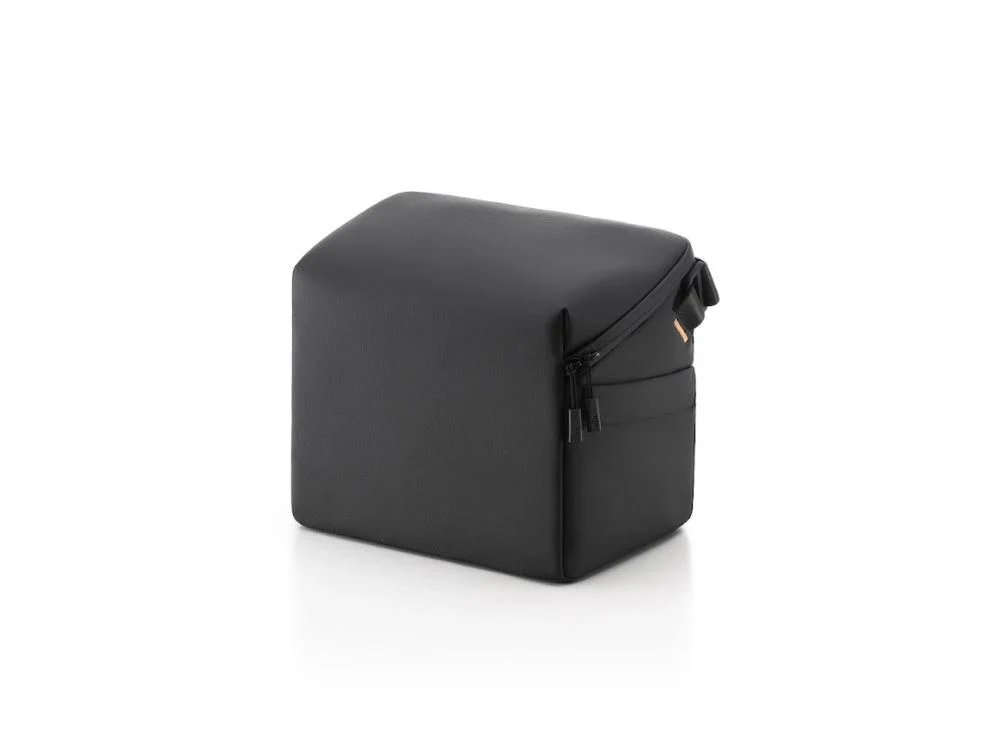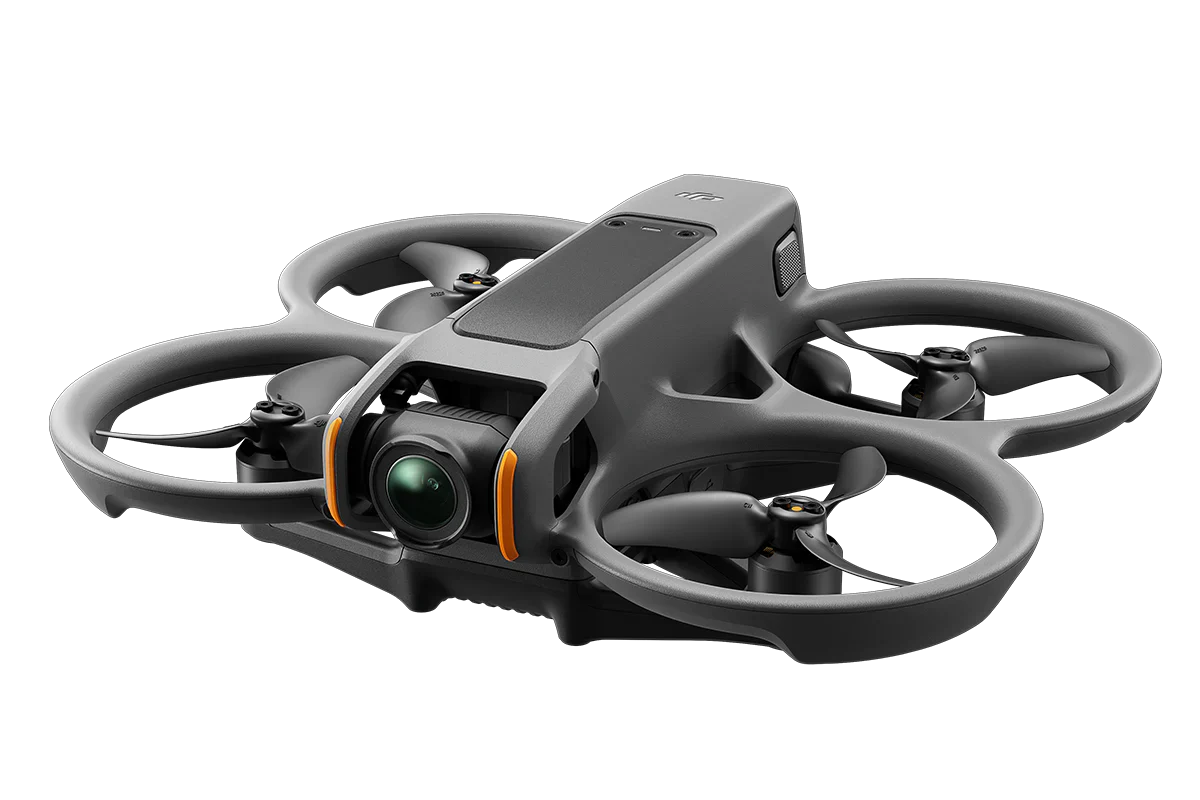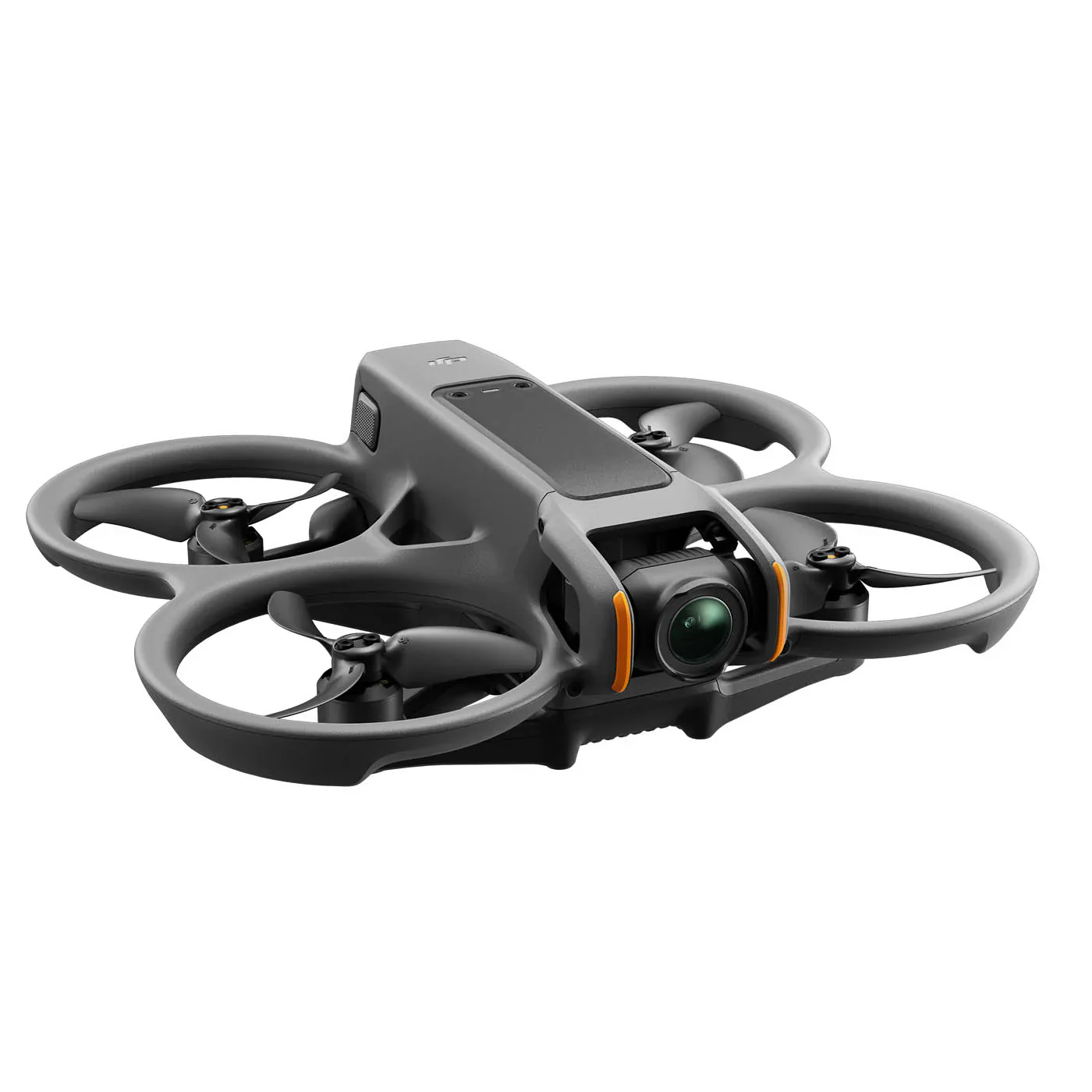
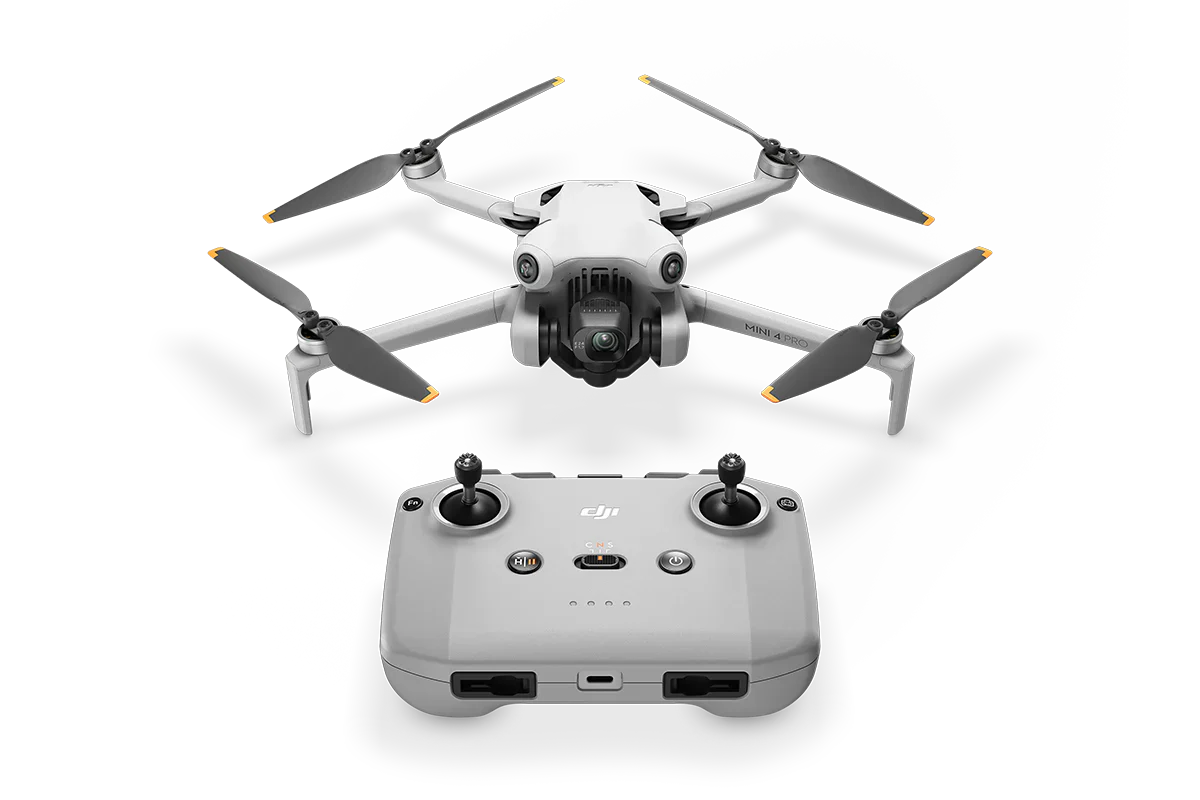
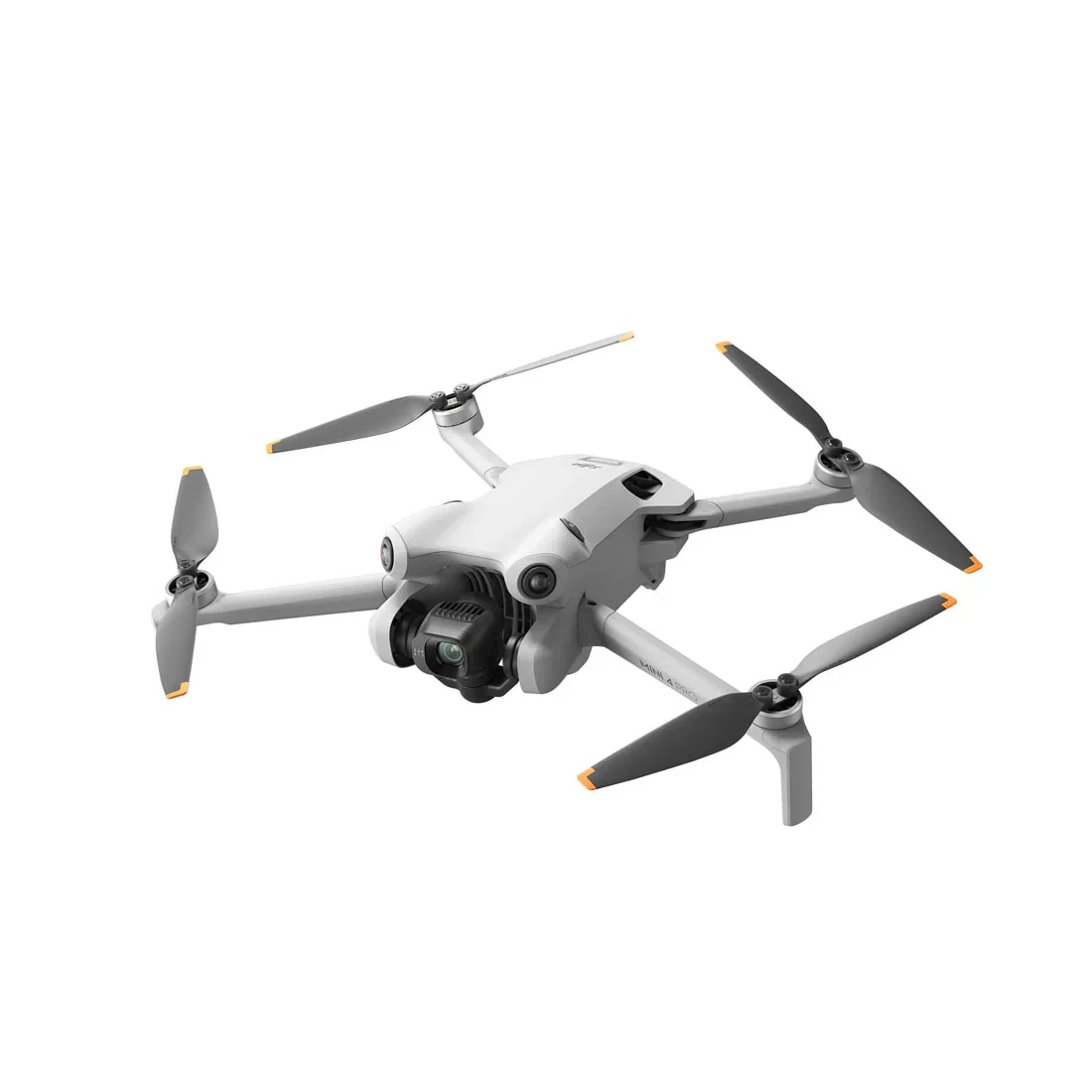
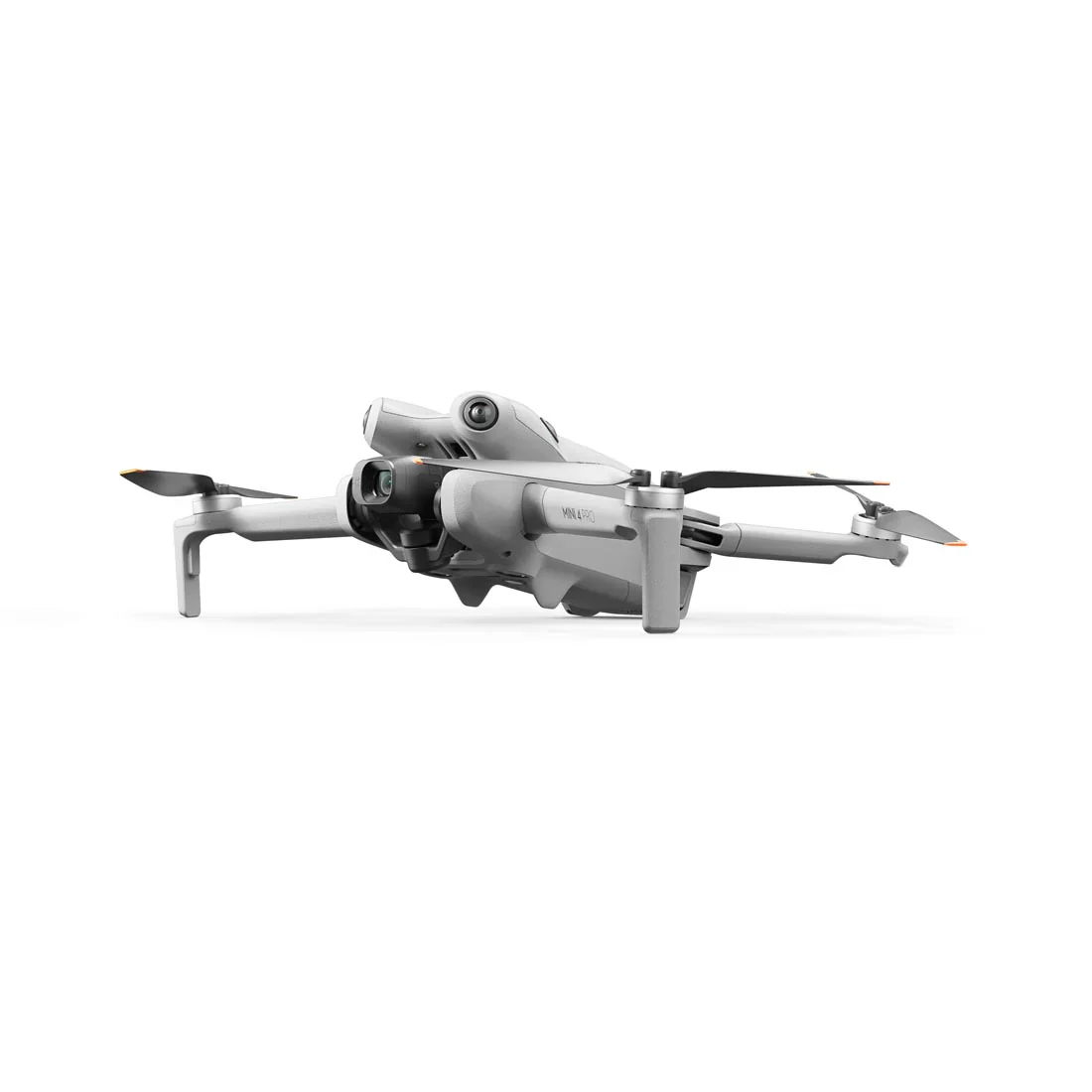
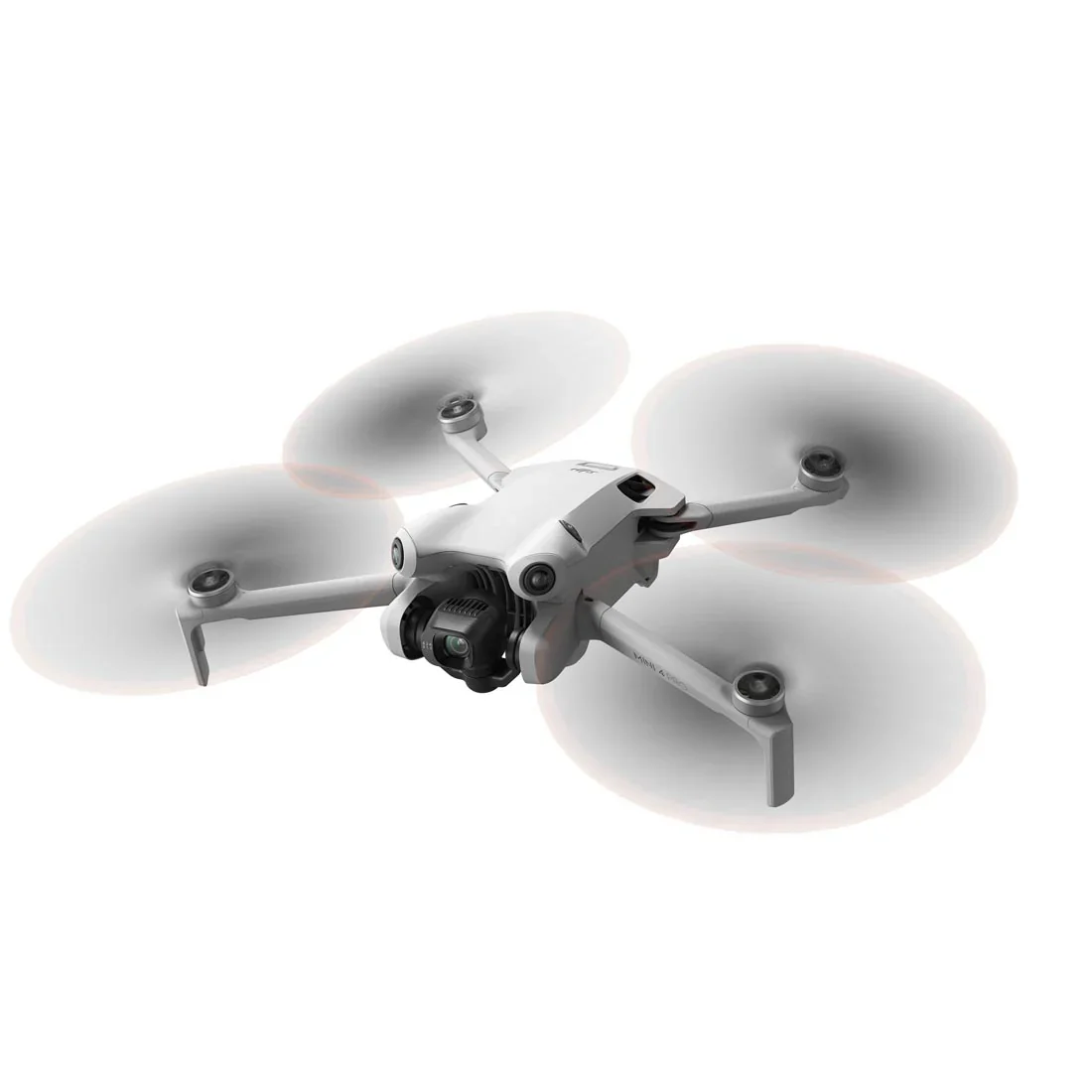
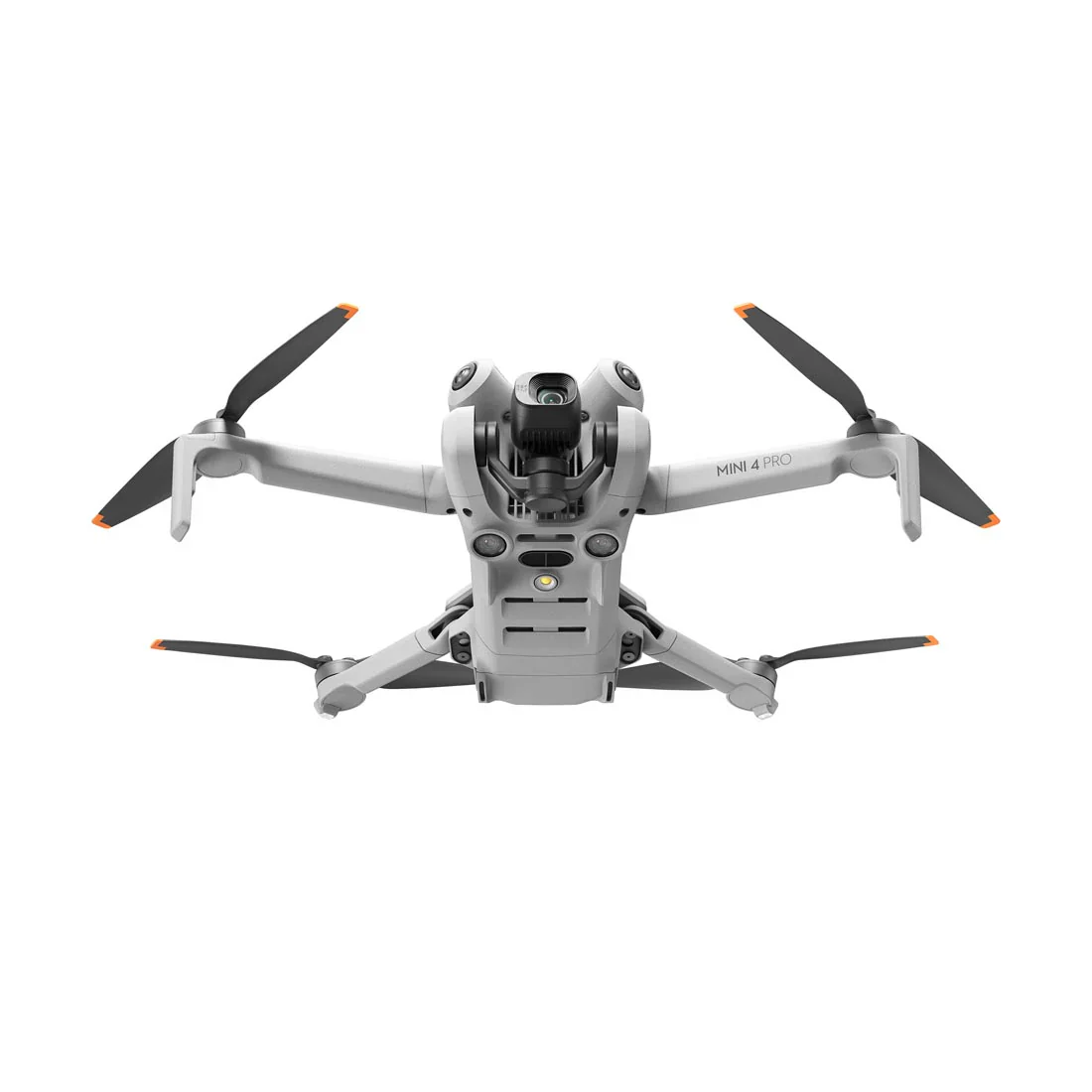
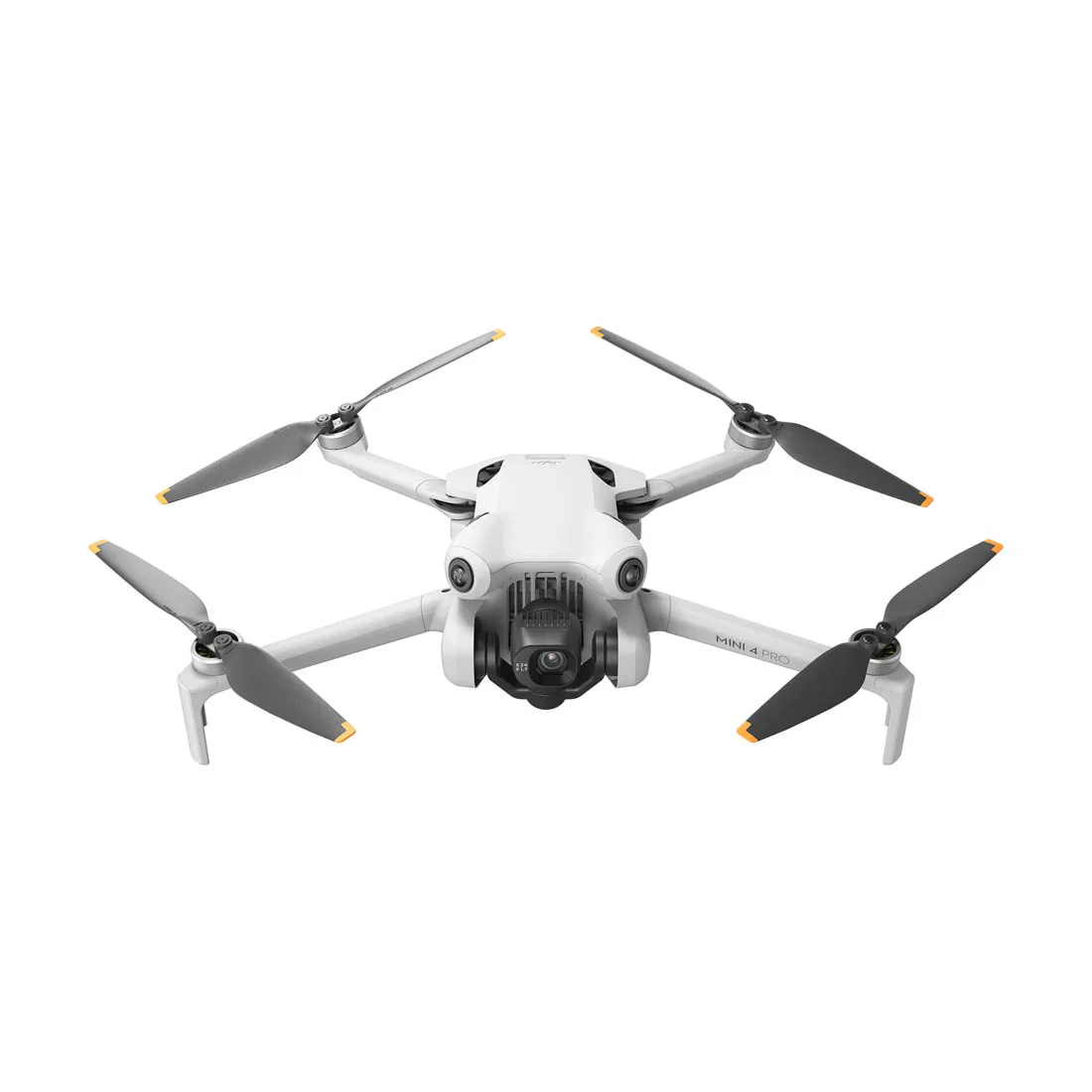
DJI Mini 4 Pro (RC-N2) All-In-One Omni Obstacle Sensing Mini Camera Drone
DJI Mini 4 Pro (RC-N2) All-In-One Omni Obstacle Sensing Mini Camera Drone
Description
This product does not qualify for FREE SHIPPING. Flat shipping rate is applied.
DJI Mini 4 Pro
Mini to the Max
|
1. Under 249 g |
2. 4K/60fps HDR True Vertical Shooting |
3. Omnidirectional Obstacle Sensing |
|
4. Extended Battery Life |
5. 20km FHD Video Transmission |
6. ActiveTrack 360° |
Go Big With Mini
DJI Mini 4 Pro is our most advanced mini-camera drone to date. It integrates powerful imaging capabilities, omnidirectional obstacle sensing, ActiveTrack 360° with the new Trace Mode, and 20km FHD video transmission, bringing even more things to love for pros and beginners alike.
Chapter One: Take it Easy
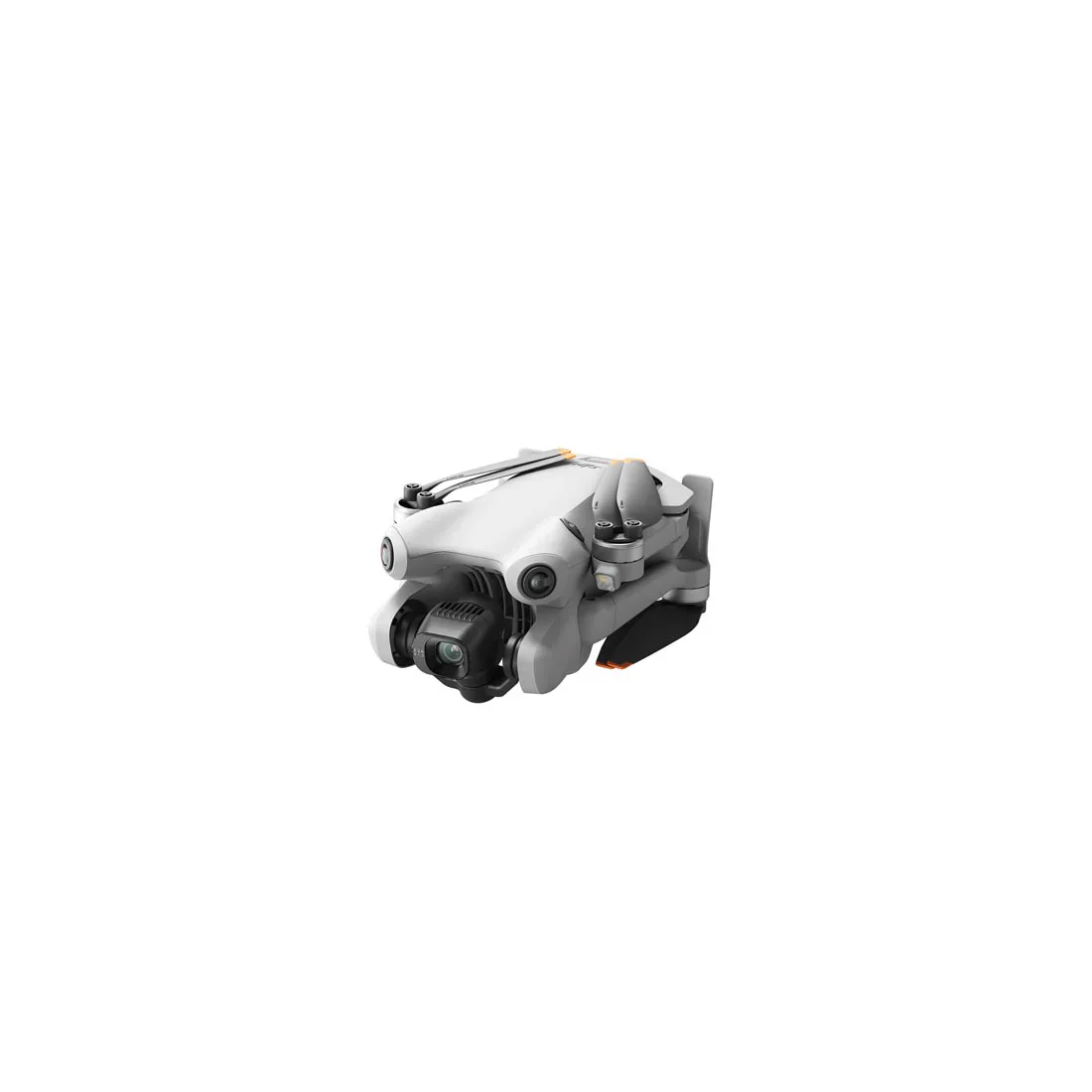
Take off whenever the inspiration strikes. Weighing less than 249 g, Mini 4 Pro was designed for convenience on the go, and the drone's weight means there's no need for training or registration in a majority of countries and regions.
Chapter Two: Out-sized Imaging Performance
Capture more complex details easily with Mini 4 Pro's camera, powered by a 1/1.3-inch CMOS sensor featuring Dual Native ISO Fusion, f/1.7 aperture, and 2.4μm 4-in-1 pixels. More highlight and shadow details with a high dynamic range means uncompromising results in every frame.
Maximum Visual Impact
Give vibrant scenes the details they deserve with 4K/60fps HDR and 4K/100fps video, while 10-bit D-Log M and HLG help capture a stunning range of colors and provide more flexibility while editing and sharing.
4K/60fps HDR
Preserve the natural wonder of any moment. 4K/60fps HDR lets you share the nuances of sunset or sunrise in true-to-life quality.
Slo-Mo 4K/100fps
Immerse the audience in every frame. With slow motion in 4K clarity, capture the action on the trails, at the beach, or in your own backyard at 100fps.
Highlight the Night
The improved noise reduction algorithm of Mini 4 Pro's Night Shots video effectively suppresses noise and facilitates clearer, cleaner footage right from the camera.
1.07 Billion Colors
Record in 10-bit D-Log M and capture over one billion colors. The natural color gradations and delicate full-spectrum details mean Mini 4 Pro unlocks pro-level post-production control and expert-level creative editing flexibility.
Dynamic on Every Platform
No matter where you publish your content, HLG ensures the natural colors and brightness remain true-to-life without adjustment or format conversion due to its high dynamic range.
RAW-Some Photos
It's often the little things that matter most. Preserve every intricate detail with 48MP RAW and next-gen SmartPhoto which combines HDR imaging, scene recognition, and more for images that pop.
More Ways to See it All
|
True Vertical Shooting |
Large-Angle Tilt |
Digital Zoom |
Chapter Three: Intuitive Features, Enhanced Flights
Sense More, Fly Safe
Omnidirectional obstacle sensing makes Mini 4 Pro mighty safe. With four wide-angle vision sensors and a pair of downward vision sensors, it detects obstacles from all angles. Advanced Pilot Assistance Systems (APAS) ensures additional safety by enabling automatic braking and bypassing during flight.
Fly Longer, Create More
Leave battery concerns behind and stay focused on creation with Mini 4 Pro's Intelligent Flight Battery. Enjoy up to 34 minutes of flight time, or upgrade to the Intelligent Flight Battery Plus to enjoy an extra-long 45-minute max flight time.
34 mins | Intelligent Flight Battery
45 mins | Intelligent Flight Battery Plus
20 km Video Transmission
Mini 4 Pro features DJI's O4 video transmission. Enjoy ultra-responsive control and smooth 1080p/60fps FHD live feeds from distances of up to 20 km.
Full-Fledged Features
|
Waypoint Flight |
Cruise Control |
Advanced RTH |
Chapter Four: Simply Masterful
A Touch of Cinematics
Mini 4 Pro has three effortless ways to get the shots you want: Spotlight, Point of Interest, and the revolutionary new ActiveTrack 360° with enhanced subject tracking capabilities. Swipe a path on the trace wheel interface to capture seamless cinematic shots. With omnidirectional obstacle sensing, bypassing obstacles and achieving smoother, more stable tracking for pro-level results is shockingly simple
Full Power Mini
MasterShots
Delivers dynamic camera movement templates tailored for portrait, close-up, and long-range shots, ensuring you nail every shot!
QuickShots
Provides Dronie, Circle, Helix, Rocket, Boomerang, and Asteroid modes for more stylish results.
Hyperlapse
Provides Free, Waypoint, Circle, and Course Lock modes with unlimited shooting time, and supports compositing while shooting.
Panorama
Supports shooting 180°, Wide Angle, Vertical, and Sphere panoramic photos to capture magnificent landscapes.
QuickTransfer
Quickly transfer photos and videos to your smartphone without linking the remote controller. Your creations will be instantly ready to share.
Edit with LightCut
LightCut supports wireless connection and intelligent recognition of composition and flight routes, so you can edit quickly and generate eye-catching videos with one tap. By blending imported footage from ActiveTrack, MasterShots, and QuickShots, the app automatically matches sound effects and exclusive templates for quick, high-quality video production. Plus, there is no need to download footage during the editing process, saving storage space on your smartphone.
One-Tap Editing
Uses AI technology to identify content types and themes, and then select highlight moments with smooth camera movement and exceptional composition to generate an effortlessly cinematic video. You can also easily create masterpieces using tailored settings for ActiveTrack, MasterShots, and QuickShots, enjoying efficient shooting and editing at once.
Intelligent Sound Effects
Generates immersive sound effects based on your video content in real-time, bringing your aerial creation to life by shifting from “silent†to “vibrant.â€
Countless Aerial Shot Templates
Offers extensive aerial shot templates, including nature, cityscape, tilt-shift effect, and more. Import your aerial footage to create stunning videos with minimal effort.
Chapter Five: Get More out of Mini
DJI RC 2
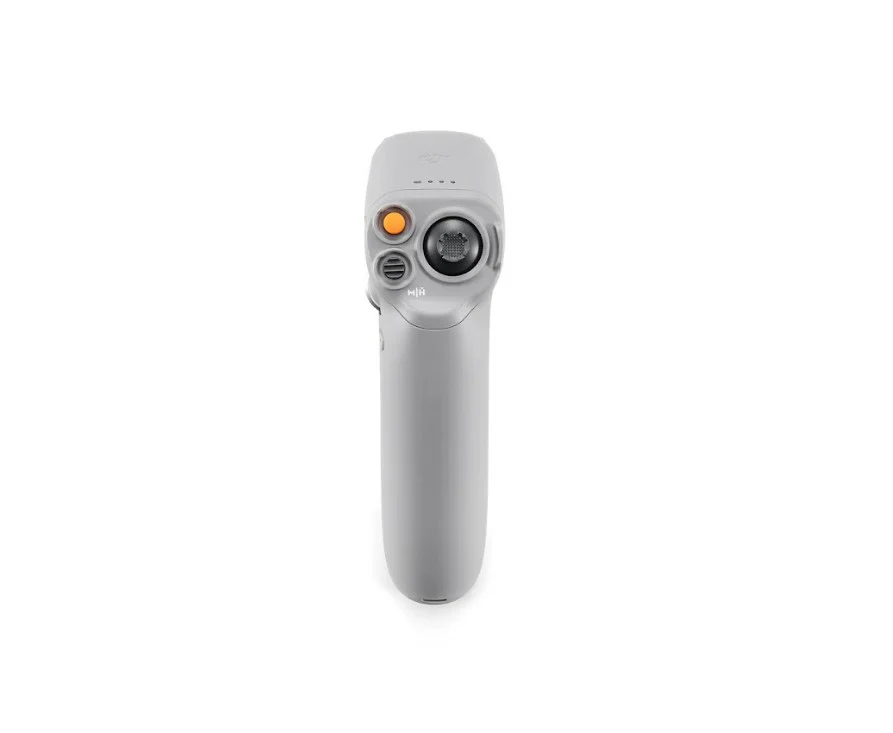
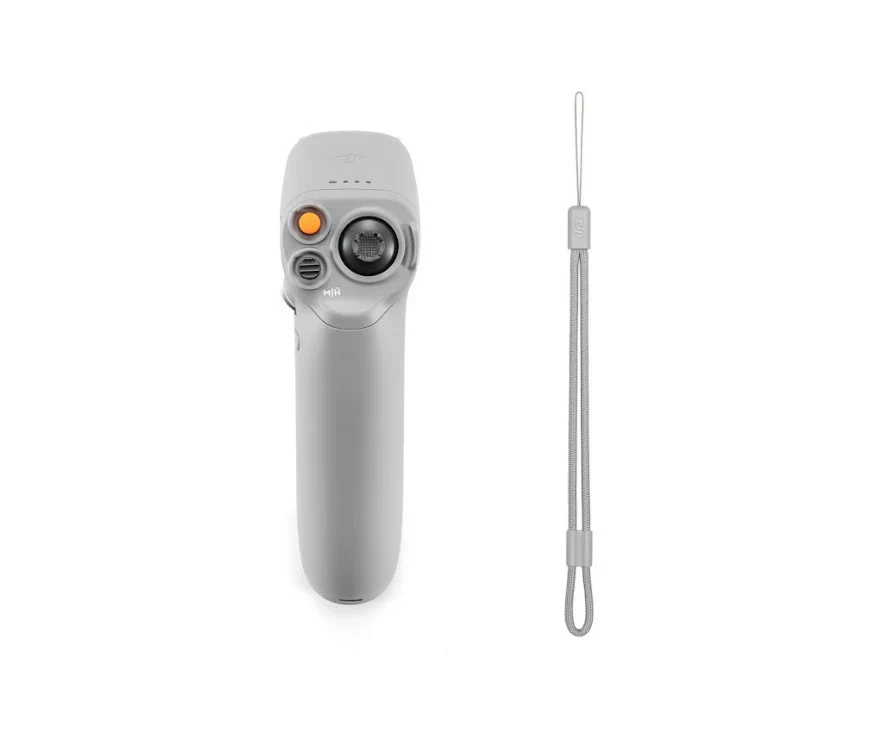
This lightweight and easy-to-use remote controller comes with the built-in DJI Fly app, eliminating the need for smartphone use during flight. The high-definition screen delivers a crisp and clear view even under direct sunlight, optimizing your entire Mini 4 Pro experience.
DJI Mini 4 Pro Intelligent Flight Battery Plus
The same Intelligent Flight Battery Plus for the DJI Mini 3 Series provides a max flight time of 45 minutes, ensuring a smooth and worry-free flight.
DJI Mini 4 Pro Two-Way Charging Hub
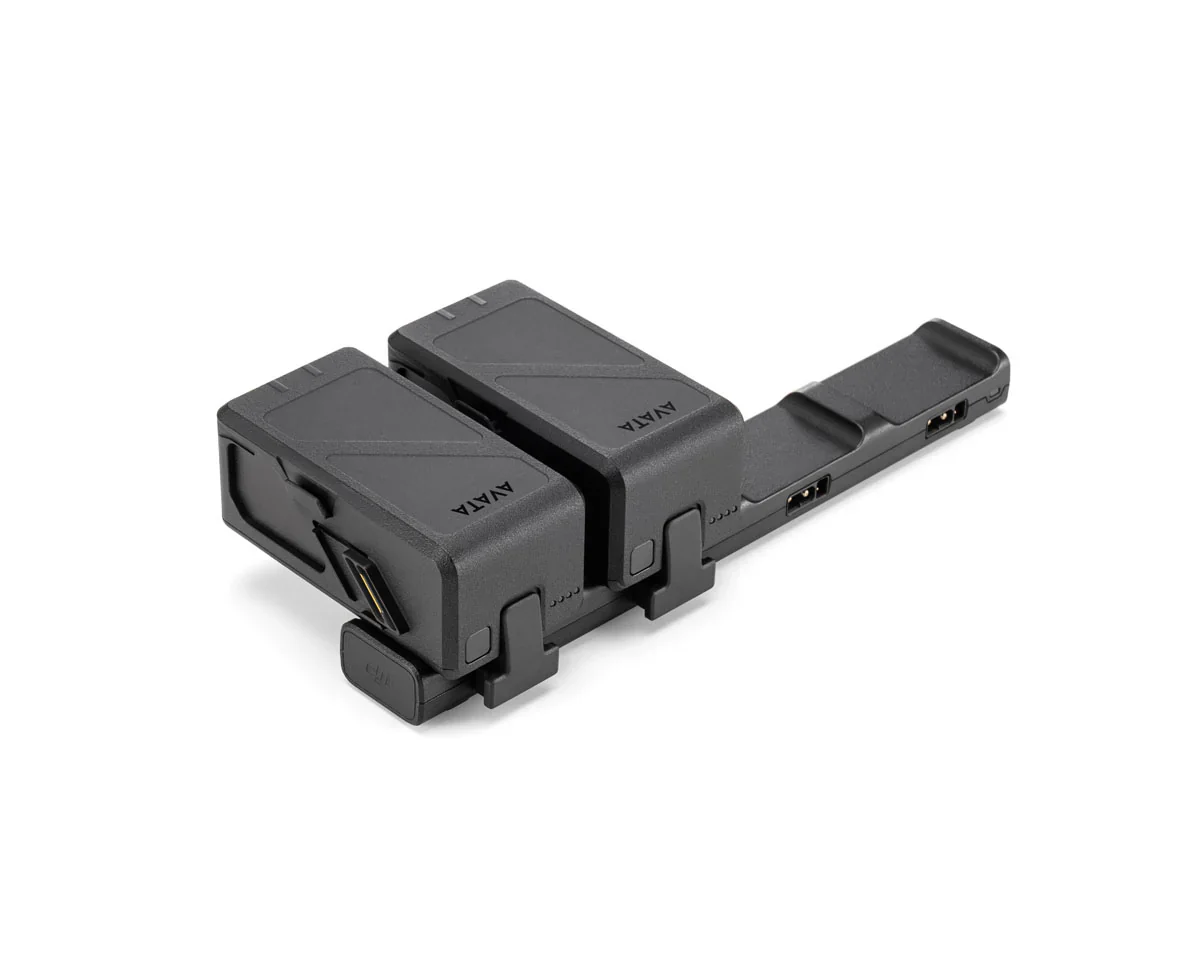
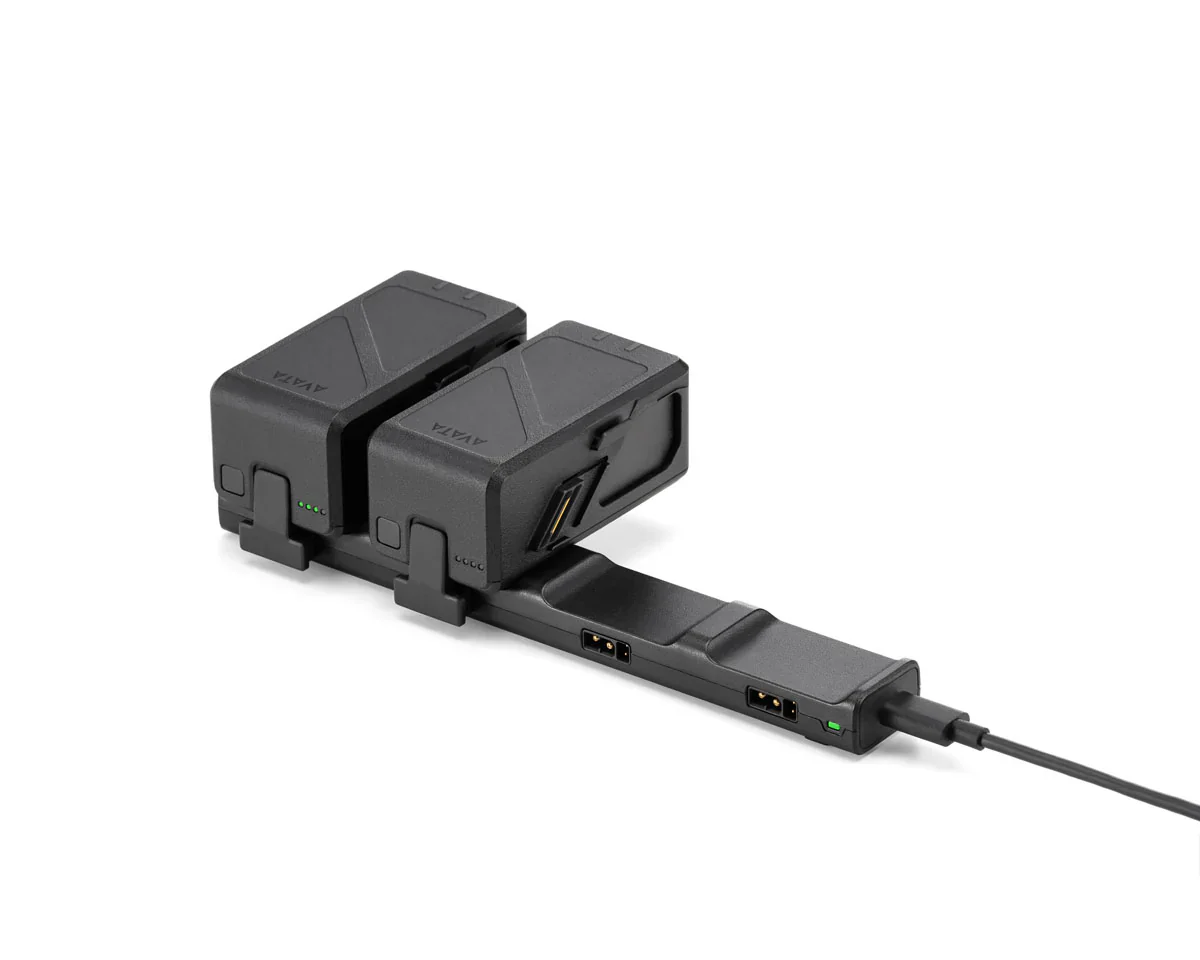
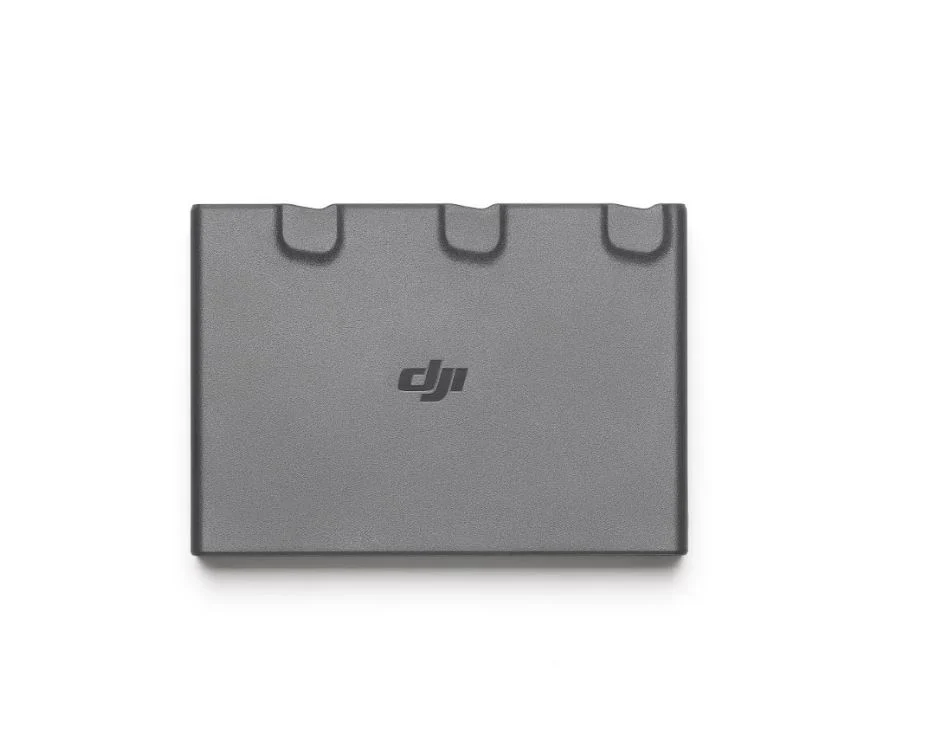
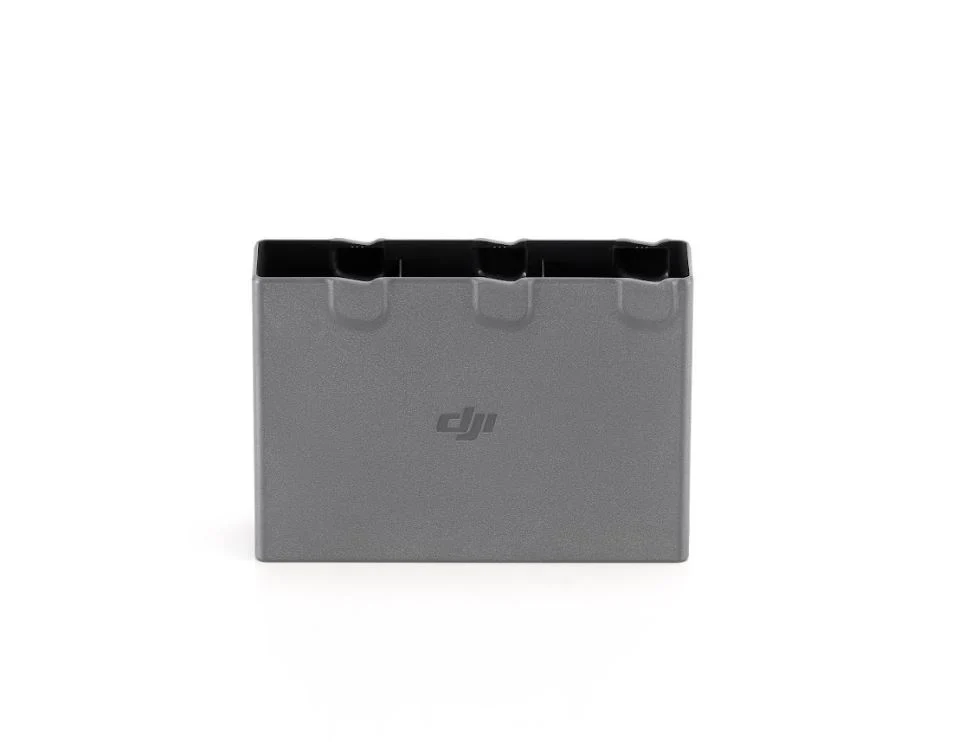
The same Two-Way Charging Hub used for the DJI Mini 3 Series. It can charge a remote controller and three batteries sequentially. It can also be used as a mobile power source to charge remote controllers, smartphones, and other devices and can even store the batteries for convenient carrying securely.
DJI Mini 4 Pro Wide-Angle Lens
Capture sweeping landscapes with the super-wide 100° FOV.
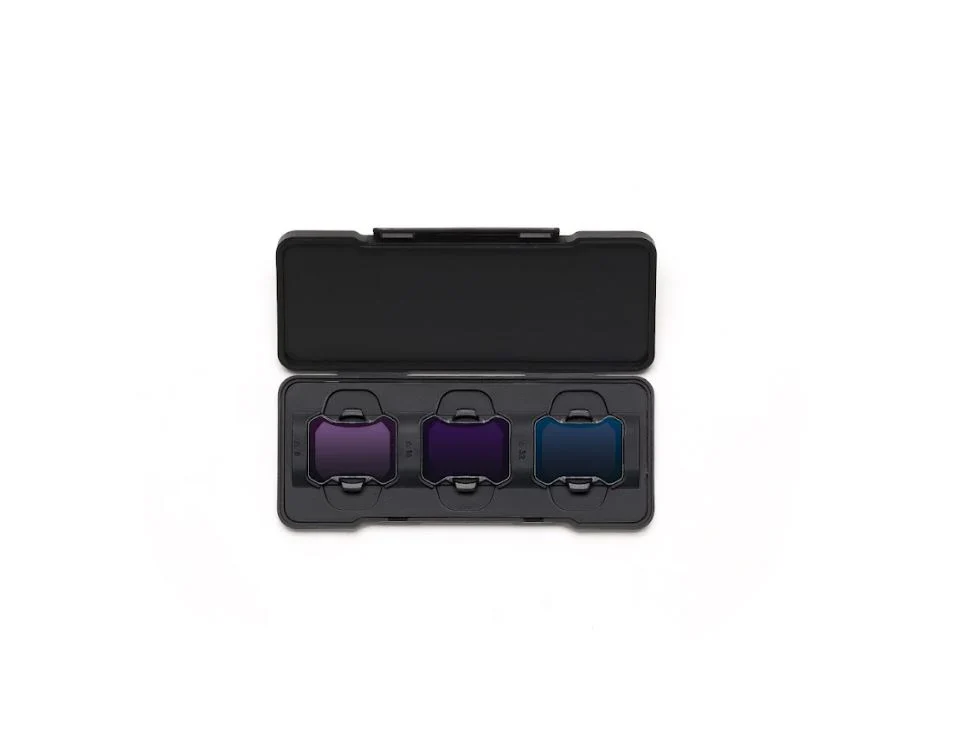
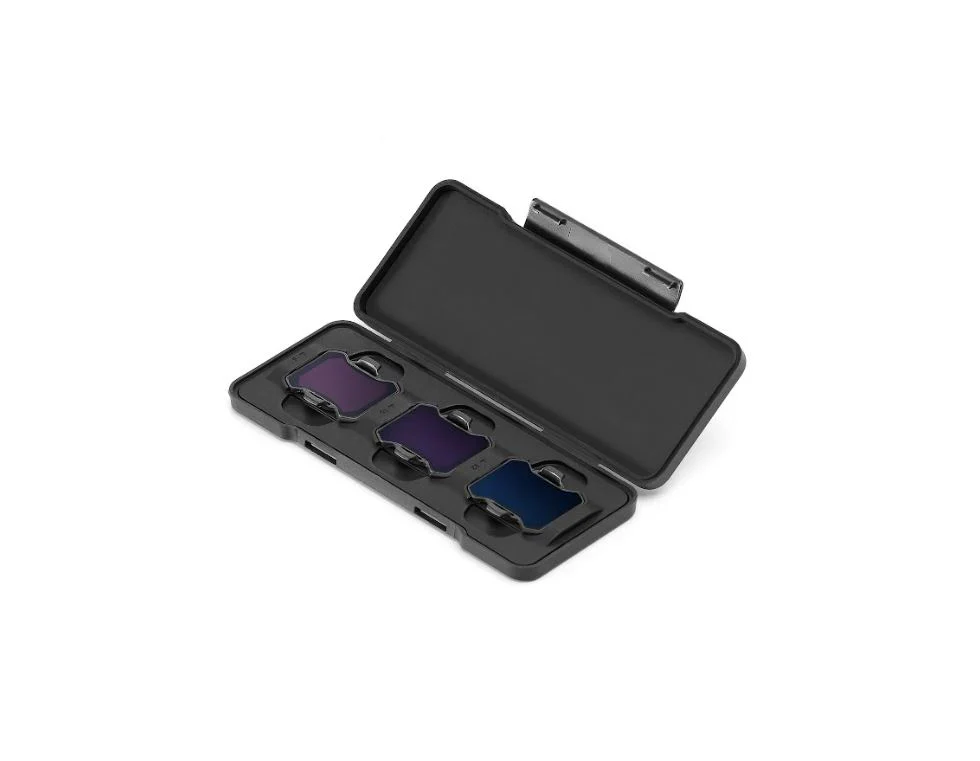
DJI Mini 4 Pro ND Filters Set (ND16/64/256)
Adapt to strong lighting conditions with ND16/64/256 filters and always be ready for the perfect shot.
DJI Mini 4 Pro 360° Propeller Guard
Fully covers the propellers and is easy to attach and detach, ensuring flight safety in a simple and efficient way.
Chapter Seven: Comparison Module
| Feature | DJI Mini 4 Pro | DJI Mini 3 Pro | DJI Mini 3 | DJI Air 3 |
|---|---|---|---|---|
| Weight | Under 249 g | Under 249 g | Under 249 g | 720 g |
| Main Camera Sensor | 1/1.3-inch CMOS Wide-Angle | 1/1.3-inch CMOS Wide-Angle | 1/1.3-inch CMOS Wide-Angle | 1/1.3-inch CMOS Wide-Angle + Medium Tele |
| Video Capabilities | 4K/60fps HDR, Slow Motion: 4K/100fps, Night Shots Video | 4K/60fps, 4K/30fps HDR, Slow Motion: 1080p/120fps | 4K/30fps HDR | 4K/60fps HDR, Slow Motion: 4K/100fps, Night Shots Video, 10-bit D-Log M, HLG |
| Obstacle Sensing | Omnidirectional Obstacle Sensing, APAS 5.0 | Forward/Backward/Downward, APAS 4.0 | Downward Only | Omnidirectional Obstacle Sensing, APAS 5.0 |
| RTH / Flight Assistance | Advanced RTH, Waypoint Flight, Cruise Control | Smart RTH | Smart RTH | Advanced RTH, Waypoint Flight, Cruise Control |
| Video Transmission | DJI O4: Up to 20 km, 1080p/60fps Live Feed | DJI O3: Up to 12 km, 1080p/30fps Live Feed | DJI O2: Up to 10 km, 720p/30fps Live Feed | DJI O4: Up to 20 km, 1080p/60fps Live Feed |
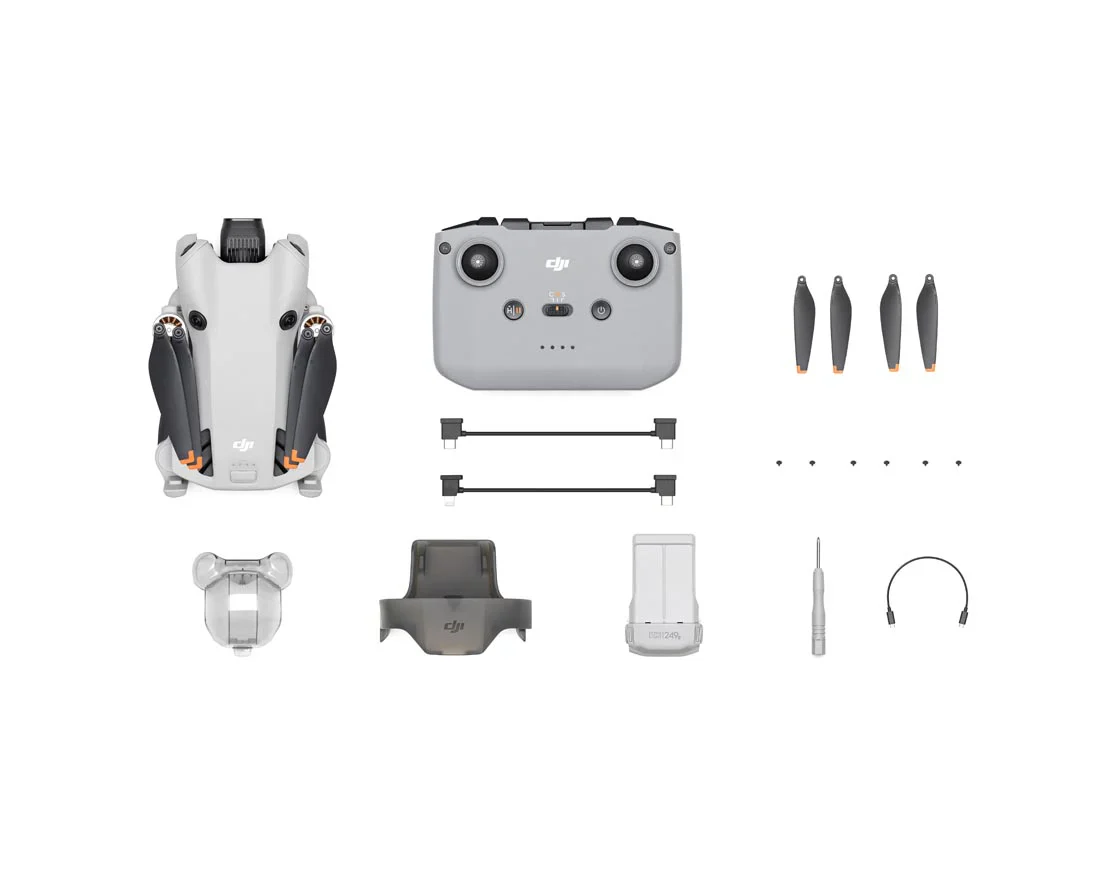
In the Box:
- DJI Mini 4 Pro 1
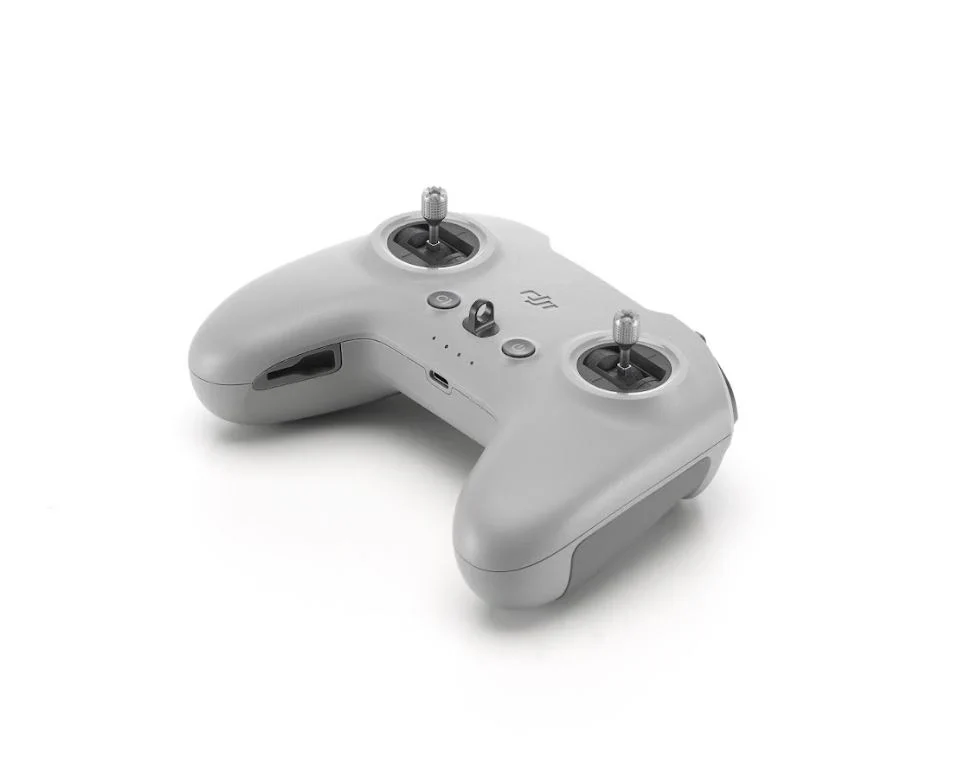
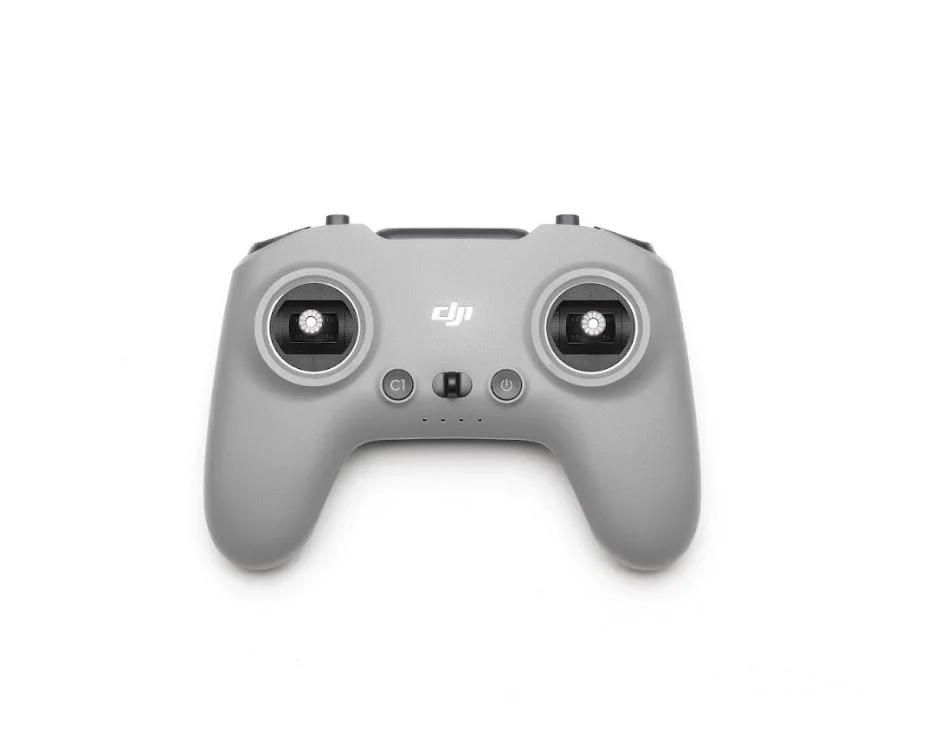
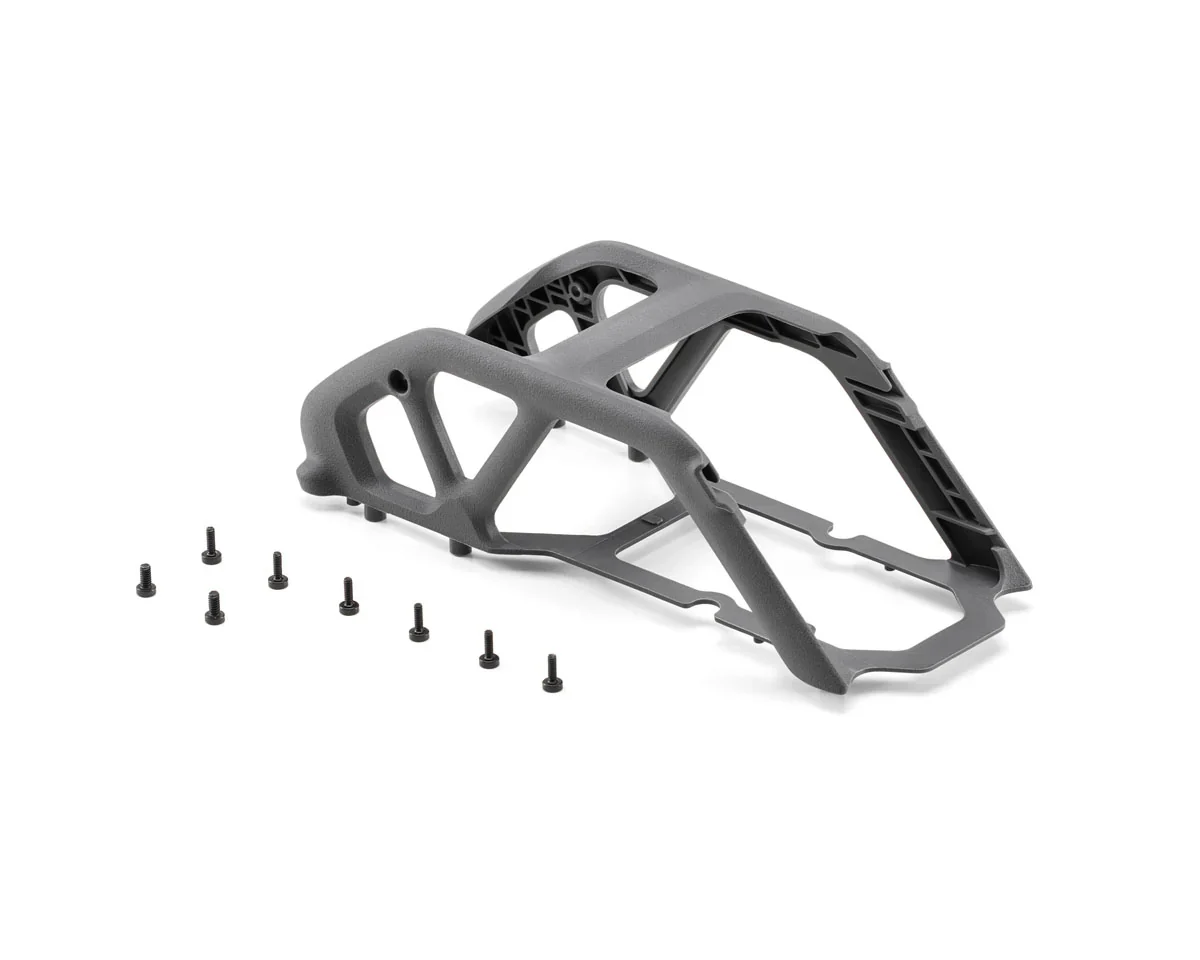
- DJI RC-N2 1
- DJI RC-N2/N1 RC Cable (USB-C Connector) 1
- DJI RC-N2/N1 RC Cable (Lightning Connector) 1
- DJI Mini 4 Pro Intelligent Flight Battery 1
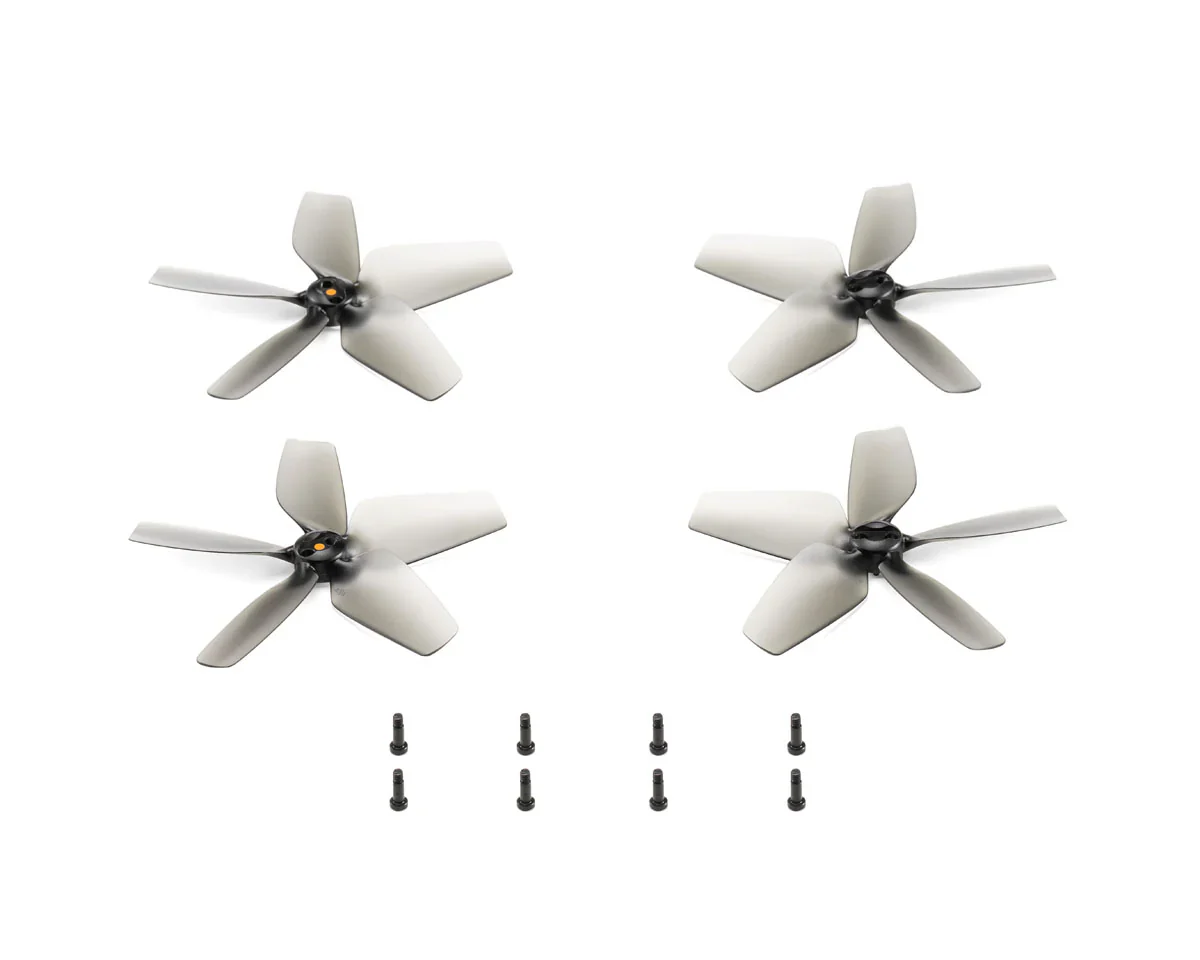
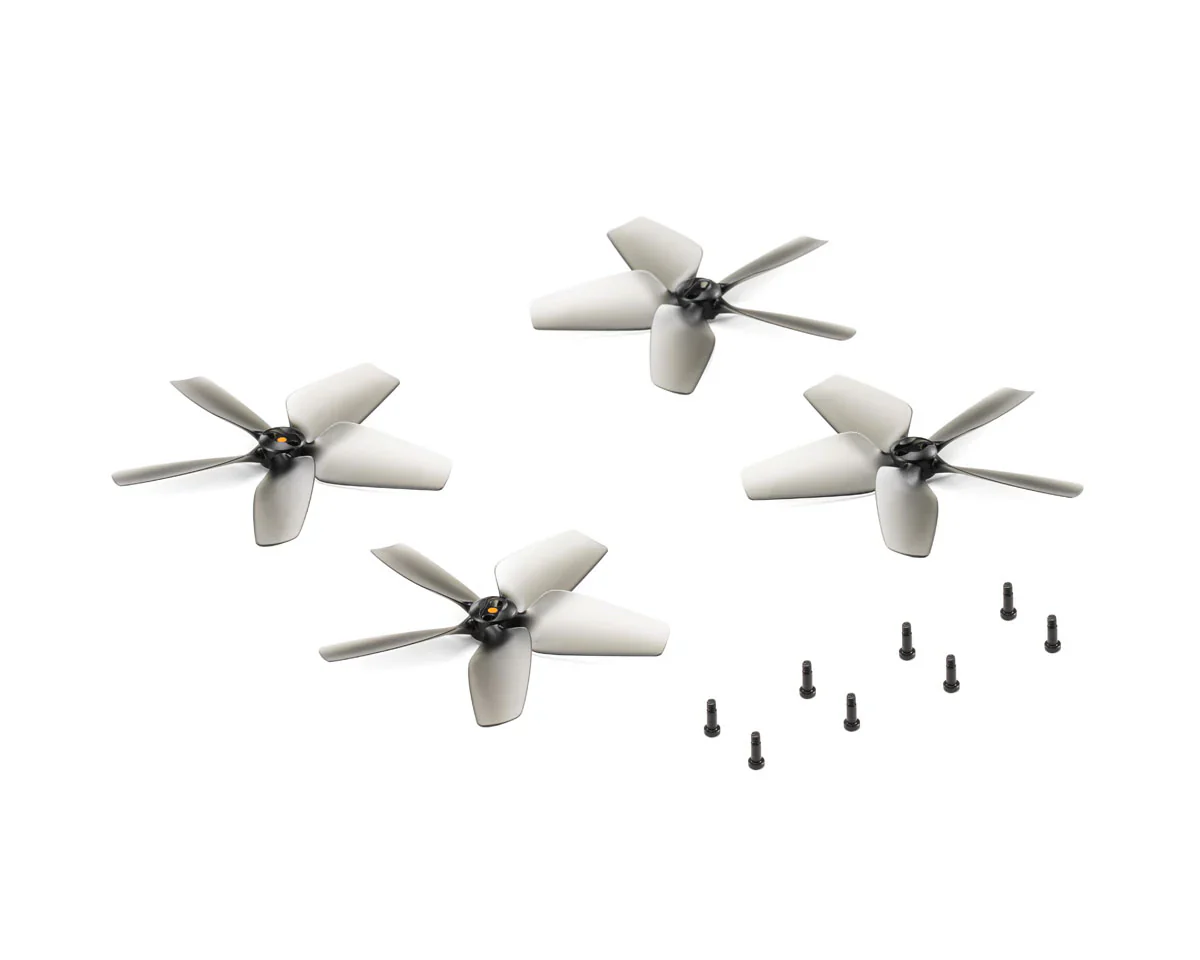
- DJI Mini 4 Pro/Mini 3 Pro Propellers (Pair) 1
- Screwdriver 1
- DJI Mini 4 Pro Gimbal Protector 1
- DJI Mini 4 Pro Propeller Holder 1
- Documents (Quick Start Guide and Safety Guidelines) 1
- Type-C to Type-C PD Cable 1
Product Specifications
DJI Mini 4 Pro (RC-N2) All-In-One Omni Obstacle Sensing Mini Camera Drone Product Specifications
| Attribute | Details |
|---|---|
| Product Name | DJI Mini 4 |
| Short Description | All-in-One mini camera drone with omnidirectional obstacle sensing. |
| SKU | CP.MA.00000731.01 |
| Manufacturer | DJI |
| UPC | 190021094116 |
| Compatible With | DJI Mini 4 |
| Open Box | No |
| Video Resolution | 4K |
Product Manual
DJI Mini 4 Pro - User Manual
Product Warranty
DJI Product Warranty
These DJI After-Sales Policies (these “Policies”) only apply to DJI products (excl. DJI Dock) you purchased from DJI authorized retailers for your own use and not for resale.
These Policies are available in other languages at http://www.dji.com/service. In the event of a conflict between different translations of these terms, the English version shall prevail.
By using your DJI product, you agree to be bound by these Policies. If you are not eligible or do not agree to any of the Terms, do not use your DJI product. You may be entitled to a full refund of your purchase of the Product if you return the inactivated Product in accordance with the Part II of these Policies.
What is Covered
Under this Limited Warranty, DJI warrants that each DJI product (excl. DJI Dock) that you purchase will be free from material and workmanship defects under normal use in accordance with DJI’s published product materials during the warranty period. DJI’s published product materials include, but not limited to, user manuals, safety guidelines, specifications, in-app notifications, and service communications.
The warranty period for different products and parts vary, please check http://www.dji.com/service to verify the duration of the warranty for your particular product or parts. The warranty period for a product starts on the day following the delivery date, If you cannot provide invoice or other valid proof of purchase, then the warranty period will start from 90 days after the shipping date that shows on the product, unless otherwise agreed upon between you and DJI.
How to Obtain Warranty Service
If a product does not function as warranted during the warranty period, you may obtain after-sales service by contacting DJI’s local service center as provided in Part III of these Policies or through http://www.dji.com/support . You will need to provide a valid proof-of-purchase, receipt or order number (for DJI Direct Sales) for the warranty service.
Charges may apply for services not covered by this Limited Warranty. Please contact DJI for information specific to your location.
Please note that the warranty service is only available in the respective DJI service regions where you purchased your DJI product.
What Will DJI Do
DJI will attempt to diagnose and resolve your problem by telephone, e-mail or online chat. DJI may direct you to download and install particular software updates.
If your problem cannot be resolved over the telephone or through the application of software updates, you may be required to deliver the product to DJI for further examination. DJI will arrange for repair or replacement service at no cost if the problem falls under this Limited Warranty.
What These After-Sales Policies Do Not Cover
These policies do not cover the following:
× Crashes or fire damage caused by non-manufacturing factors, including but not limited to, pilot errors.
× Damage caused by unauthorized modification, disassembly, or shell opening not in accordance with DJI’s official instructions or manuals.
× Damage caused by improper installation, incorrect use, or operation not in accordance with DJI’s official instructions or manuals.
× Damage caused by an unauthorized service provider.
× Damage caused by an unauthorized modification of circuits, mismatch, or misuse of battery and charger.
× Damage caused by flights not following recommended instruction manuals.
× Damage caused by operating the product in bad weather (i.e. strong wind, rain, sand or dust storm, etc.).
× Damage caused by operating the product in a surrounding environment with electromagnetic interference (i.e. mining areas, areas with radio transmission towers or high-voltage wires nearby, substations, etc.).
× Damage caused by operating the product in a surrounding environment with wireless interference (i.e. transmitters, video links, Wi-Fi devices, etc.).
× Damage caused by operating the product at a weight greater than the safe takeoff weight as specified in the instruction manuals.
× Damage caused by a forced flight when components have aged or been damaged.
× Damage caused by a reliability or compatibility issue due to use of unauthenticated third-party parts.
× Damage caused by operating the product with a defective battery or at low battery.
× Uninterrupted or error-free operations on the product.
× Loss of, or damage to, your data saved in your product.
× Not provided flight logs which are used for accident data analysis.
× Any software, whether provided with the product or installed subsequently.
× Failures or damage caused by any third-party products, including the products or accessories provided or integrated into your product by DJI at your request.
× Any technical or other support, such as assistance with “how-to” questions or inaccurate product set-up and installation.
× Products or parts with an altered identification label or from which the identification label has been removed.
Limitation of Liability
When receiving service, DJI is responsible for loss or damage to your product only while it is in DJI's possession or in transit, if DJI is responsible for transportation.
Dji is not responsible for loss or disclosure of any data, including confidential information, proprietary information, or personal information, contained in a product.
Dji will not be liable for any failure or delay in performance due to causes beyond DJI's reasonable control (such as fire, explosion, power blackout, earthquake, flood, severe storms, strike, embargo, labor disputes, acts of civil or military authority, war, terrorism (including cyber terrorism), acts of God, acts or omissions of Internet traffic carriers, actions or omissions of regulatory or governmental bodies (including the passage of laws or regulations or other acts of government that impact the delivery of Services)).
Under no circumstances, and notwithstanding the failure of essential purpose of any remedy set forth herein, shall DJI, its affiliates, suppliers, resellers, or service providers be liable for any of the following even if informed of their possibility and regardless of whether the claim is based in contract, warranty, negligence, strict liability or other theory of liability: 1) third party claims against you for damages; 2) loss, damage or disclosure of your data; 3) special, incidental, punitive, indirect or consequential damages, including but not limited to lost profits, business revenue, goodwill or anticipated savings. In no case shall the total liability of DJI, its affiliates, suppliers, resellers, or service providers for damages from any cause exceed the amount of actual direct damages, not to exceed the amount paid for the product.
The foregoing limitation does not apply to damages for bodily injury (including death), damage to real property or damage to tangible personal property for which DJI is liable under law.
As some states or jurisdictions do not allow the exclusion or limitation of incidental or consequential damages, the above limitation or exclusion may not apply to you.
Limitation Of Warranty
To the extent permitted by law, except as expressly provided in this limited warranty, DJI disclaims all warranties of any kind, whether statutory, express or implied, including: (a) any implied warranty of merchantability, fitness for a particular purpose, title, quiet enjoyment, or non-infringement; and (b) any warranty arising out of course of dealing, usage, or trade. The DJI entities do not warrant, except as expressly provided in DJI limited warranty, that the product, product accessories, or any portion of the product, or any materials, will be uninterrupted, secure, or free of errors, viruses, or other harmful components..
Should such warranties cannot be disclaimed, DJI limits the duration and remedies of such warranties to the duration of this express warranty and, at DJI's option, the repair or replacement services provided in this limited warranty.
Some jurisdictions may prohibit a disclaimer of warranties and you may have other rights that vary from jurisdiction to jurisdiction
Your Other Rights
This Limited Warranty provides you with extra and specific legal rights. You may have other rights according to the applicable laws of your state or jurisdiction. You may also have other rights under a written agreement with DJI. Nothing in this Limited Warranty affects your statutory rights, including rights of consumers under laws or regulations governing the sale of consumer products that cannot be waived or limited by agreement.
DJI Warranty
Product FAQs
DJI Mini Product FAQs
Compared with DJI Mini 3 Pro, what has been upgraded on the DJI Mini 4 Pro?
DJI Mini 4 Pro features comprehensive upgrades in its vision sensing system, imaging system, video transmission system, and intelligent features. Details are as follows: While maintaining a 249g lightweight design, DJI Mini 4 Pro boasts an omnidirectional vision sensing system to achieve omnidirectional obstacle sensing. It uses a new image-processing platform and supports recording 4K/60fps HDR videos, with optional 10-bit D-Log M and HLG color modes, elevating the multiple shooting specifications. It is equipped with the DJI O4 FHD digital video transmission system, which provides a max transmission distance of up to 20 km*. It comes with the newly upgraded ActiveTrack 360°, Waypoint Flight, Advanced RTH, Cruise Control, and other intelligent features.
Data tested under FCC standard in an unobstructed environment without interference. Used for reference purposes only and provides no guarantee for actual transmission distance.
How do I turn on DJI Mini 4 Pro after unboxing?
DJI Mini 4 Pro batteries are set to hibernation mode before shipping to ensure safe transportation. Before use, insert the battery into the aircraft or charging hub, and connect the charger to charge and activate the battery. After activating the battery, press the power button once, and then press again and hold for two seconds to turn on the aircraft.
How do I activate DJI Mini 4 Pro?
With DJI RC-N2: Connect your mobile device (connected to the internet) with the remote controller, and then connect to DJI Mini 4 Pro via the DJI Fly app. Follow the instructions in the app to activate DJI Mini 4 Pro.
With DJI RC 2: When using DJI RC 2 for the first time, connect to the internet via Wi-Fi or a smartphone hotspot, and then follow the instructions in the DJI Fly app to activate the device. After activating DJI RC 2, connect it with DJI Mini 4 Pro via the DJI Fly app, and then follow the instructions in the app to activate the aircraft.
What is the wind speed resistance of DJI Mini 4 Pro?
The max wind speed resistance of DJI Mini 4 Pro is 10.7 m/s.
Wind resistance is dependent upon propulsion. In strong winds, slight vibration is expected due to the drone’s lightweight nature. High-powered propulsion ensures the drone hovers stably or returns to home safely. DJI Mini 4 Pro automatically controls the gimbal to adjust slightly to ensure the footage is always stable and not affected by the wind.
Is DJI Mini 4 Pro waterproof?
No. Avoid contact with water during use, as it may damage the device. If it rains during the flight, return and land as soon as possible, and wait until the aircraft is fully dry inside and out before using it again.
What app do I need to install before using DJI Mini 4 Pro?
DJI Mini 4 Pro can only be used with the DJI Fly app. You can download the latest version of DJI Fly from the DJI Mini 4 Pro Downloads page on the official DJI website.
* If you use DJI RC 2 as the remote controller, it comes with the pre-installed DJI Fly app.
Compared with DJI Mini 3 Pro, what are the upgrades in the camera module of DJI Mini 4 Pro?
Compared with the camera module of DJI Mini 3 Pro, DJI Mini 4 Pro has the following major upgrades:
1. A new image-processing platform is used to improve the overall imaging performance.
2. The HDR video specification has been upgraded from 4K/30fps to 4K/60fps.
3. The Slow Motion specification has been upgraded from 1080p to 4K.
4. The new 10-bit D-Log M and HLG color modes record colors and details with a high dynamic range.
5. The new Night video mode (Night Shots) delivers enhanced low-light performance.
6. The simulated long exposure (shutter speed of up to 8 s) enables more creative possibilities.
7. A next-gen SmartPhoto algorithm is adopted to effectively improve photo quality.
8. The resolution of panorama photos is higher.
Does DJI Mini 4 Pro support manual mode for shooting photos and videos?
Yes. You can manually set camera parameters like shutter speed, ISO, and white balance in the DJI Fly app.
How do I enable HDR mode on DJI Mini 4 Pro?
When recording video at 60fps or lower, DJI Mini 4 Pro enables HDR mode by default.
How does the dual native ISO fusion technology of DJI Mini 4 Pro work?
Photo mode and video mode (60fps and lower): The sensor will algorithmically integrate the images gained by the two sets of analog amplifier circuits for a better dynamic range of actual imaging.
Product Information
Product Information
Shipping & Returns
Shipping & Returns
Description
DJI Mini 4 Pro (RC-N2) All-In-One Omni Obstacle Sensing Mini Camera Drone
Description
This product does not qualify for FREE SHIPPING. Flat shipping rate is applied.
DJI Mini 4 Pro
Mini to the Max
|
1. Under 249 g |
2. 4K/60fps HDR True Vertical Shooting |
3. Omnidirectional Obstacle Sensing |
|
4. Extended Battery Life |
5. 20km FHD Video Transmission |
6. ActiveTrack 360° |
Go Big With Mini
DJI Mini 4 Pro is our most advanced mini-camera drone to date. It integrates powerful imaging capabilities, omnidirectional obstacle sensing, ActiveTrack 360° with the new Trace Mode, and 20km FHD video transmission, bringing even more things to love for pros and beginners alike.
Chapter One: Take it Easy
Take off whenever the inspiration strikes. Weighing less than 249 g, Mini 4 Pro was designed for convenience on the go, and the drone's weight means there's no need for training or registration in a majority of countries and regions.
Chapter Two: Out-sized Imaging Performance
Capture more complex details easily with Mini 4 Pro's camera, powered by a 1/1.3-inch CMOS sensor featuring Dual Native ISO Fusion, f/1.7 aperture, and 2.4μm 4-in-1 pixels. More highlight and shadow details with a high dynamic range means uncompromising results in every frame.
Maximum Visual Impact
Give vibrant scenes the details they deserve with 4K/60fps HDR and 4K/100fps video, while 10-bit D-Log M and HLG help capture a stunning range of colors and provide more flexibility while editing and sharing.
4K/60fps HDR
Preserve the natural wonder of any moment. 4K/60fps HDR lets you share the nuances of sunset or sunrise in true-to-life quality.
Slo-Mo 4K/100fps
Immerse the audience in every frame. With slow motion in 4K clarity, capture the action on the trails, at the beach, or in your own backyard at 100fps.
Highlight the Night
The improved noise reduction algorithm of Mini 4 Pro's Night Shots video effectively suppresses noise and facilitates clearer, cleaner footage right from the camera.
1.07 Billion Colors
Record in 10-bit D-Log M and capture over one billion colors. The natural color gradations and delicate full-spectrum details mean Mini 4 Pro unlocks pro-level post-production control and expert-level creative editing flexibility.
Dynamic on Every Platform
No matter where you publish your content, HLG ensures the natural colors and brightness remain true-to-life without adjustment or format conversion due to its high dynamic range.
RAW-Some Photos
It's often the little things that matter most. Preserve every intricate detail with 48MP RAW and next-gen SmartPhoto which combines HDR imaging, scene recognition, and more for images that pop.
More Ways to See it All
|
True Vertical Shooting |
Large-Angle Tilt |
Digital Zoom |
Chapter Three: Intuitive Features, Enhanced Flights
Sense More, Fly Safe
Omnidirectional obstacle sensing makes Mini 4 Pro mighty safe. With four wide-angle vision sensors and a pair of downward vision sensors, it detects obstacles from all angles. Advanced Pilot Assistance Systems (APAS) ensures additional safety by enabling automatic braking and bypassing during flight.
Fly Longer, Create More
Leave battery concerns behind and stay focused on creation with Mini 4 Pro's Intelligent Flight Battery. Enjoy up to 34 minutes of flight time, or upgrade to the Intelligent Flight Battery Plus to enjoy an extra-long 45-minute max flight time.
34 mins | Intelligent Flight Battery
45 mins | Intelligent Flight Battery Plus
20 km Video Transmission
Mini 4 Pro features DJI's O4 video transmission. Enjoy ultra-responsive control and smooth 1080p/60fps FHD live feeds from distances of up to 20 km.
Full-Fledged Features
|
Waypoint Flight |
Cruise Control |
Advanced RTH |
Chapter Four: Simply Masterful
A Touch of Cinematics
Mini 4 Pro has three effortless ways to get the shots you want: Spotlight, Point of Interest, and the revolutionary new ActiveTrack 360° with enhanced subject tracking capabilities. Swipe a path on the trace wheel interface to capture seamless cinematic shots. With omnidirectional obstacle sensing, bypassing obstacles and achieving smoother, more stable tracking for pro-level results is shockingly simple
Full Power Mini
MasterShots
Delivers dynamic camera movement templates tailored for portrait, close-up, and long-range shots, ensuring you nail every shot!
QuickShots
Provides Dronie, Circle, Helix, Rocket, Boomerang, and Asteroid modes for more stylish results.
Hyperlapse
Provides Free, Waypoint, Circle, and Course Lock modes with unlimited shooting time, and supports compositing while shooting.
Panorama
Supports shooting 180°, Wide Angle, Vertical, and Sphere panoramic photos to capture magnificent landscapes.
QuickTransfer
Quickly transfer photos and videos to your smartphone without linking the remote controller. Your creations will be instantly ready to share.
Edit with LightCut
LightCut supports wireless connection and intelligent recognition of composition and flight routes, so you can edit quickly and generate eye-catching videos with one tap. By blending imported footage from ActiveTrack, MasterShots, and QuickShots, the app automatically matches sound effects and exclusive templates for quick, high-quality video production. Plus, there is no need to download footage during the editing process, saving storage space on your smartphone.
One-Tap Editing
Uses AI technology to identify content types and themes, and then select highlight moments with smooth camera movement and exceptional composition to generate an effortlessly cinematic video. You can also easily create masterpieces using tailored settings for ActiveTrack, MasterShots, and QuickShots, enjoying efficient shooting and editing at once.
Intelligent Sound Effects
Generates immersive sound effects based on your video content in real-time, bringing your aerial creation to life by shifting from “silent†to “vibrant.â€
Countless Aerial Shot Templates
Offers extensive aerial shot templates, including nature, cityscape, tilt-shift effect, and more. Import your aerial footage to create stunning videos with minimal effort.
Chapter Five: Get More out of Mini
DJI RC 2
This lightweight and easy-to-use remote controller comes with the built-in DJI Fly app, eliminating the need for smartphone use during flight. The high-definition screen delivers a crisp and clear view even under direct sunlight, optimizing your entire Mini 4 Pro experience.
DJI Mini 4 Pro Intelligent Flight Battery Plus
The same Intelligent Flight Battery Plus for the DJI Mini 3 Series provides a max flight time of 45 minutes, ensuring a smooth and worry-free flight.
DJI Mini 4 Pro Two-Way Charging Hub
The same Two-Way Charging Hub used for the DJI Mini 3 Series. It can charge a remote controller and three batteries sequentially. It can also be used as a mobile power source to charge remote controllers, smartphones, and other devices and can even store the batteries for convenient carrying securely.
DJI Mini 4 Pro Wide-Angle Lens
Capture sweeping landscapes with the super-wide 100° FOV.
DJI Mini 4 Pro ND Filters Set (ND16/64/256)
Adapt to strong lighting conditions with ND16/64/256 filters and always be ready for the perfect shot.
DJI Mini 4 Pro 360° Propeller Guard
Fully covers the propellers and is easy to attach and detach, ensuring flight safety in a simple and efficient way.
Chapter Seven: Comparison Module
| Feature | DJI Mini 4 Pro | DJI Mini 3 Pro | DJI Mini 3 | DJI Air 3 |
|---|---|---|---|---|
| Weight | Under 249 g | Under 249 g | Under 249 g | 720 g |
| Main Camera Sensor | 1/1.3-inch CMOS Wide-Angle | 1/1.3-inch CMOS Wide-Angle | 1/1.3-inch CMOS Wide-Angle | 1/1.3-inch CMOS Wide-Angle + Medium Tele |
| Video Capabilities | 4K/60fps HDR, Slow Motion: 4K/100fps, Night Shots Video | 4K/60fps, 4K/30fps HDR, Slow Motion: 1080p/120fps | 4K/30fps HDR | 4K/60fps HDR, Slow Motion: 4K/100fps, Night Shots Video, 10-bit D-Log M, HLG |
| Obstacle Sensing | Omnidirectional Obstacle Sensing, APAS 5.0 | Forward/Backward/Downward, APAS 4.0 | Downward Only | Omnidirectional Obstacle Sensing, APAS 5.0 |
| RTH / Flight Assistance | Advanced RTH, Waypoint Flight, Cruise Control | Smart RTH | Smart RTH | Advanced RTH, Waypoint Flight, Cruise Control |
| Video Transmission | DJI O4: Up to 20 km, 1080p/60fps Live Feed | DJI O3: Up to 12 km, 1080p/30fps Live Feed | DJI O2: Up to 10 km, 720p/30fps Live Feed | DJI O4: Up to 20 km, 1080p/60fps Live Feed |
In the Box:
- DJI Mini 4 Pro 1
- DJI RC-N2 1
- DJI RC-N2/N1 RC Cable (USB-C Connector) 1
- DJI RC-N2/N1 RC Cable (Lightning Connector) 1
- DJI Mini 4 Pro Intelligent Flight Battery 1
- DJI Mini 4 Pro/Mini 3 Pro Propellers (Pair) 1
- Screwdriver 1
- DJI Mini 4 Pro Gimbal Protector 1
- DJI Mini 4 Pro Propeller Holder 1
- Documents (Quick Start Guide and Safety Guidelines) 1
- Type-C to Type-C PD Cable 1
Product Specifications
DJI Mini 4 Pro (RC-N2) All-In-One Omni Obstacle Sensing Mini Camera Drone Product Specifications
| Attribute | Details |
|---|---|
| Product Name | DJI Mini 4 |
| Short Description | All-in-One mini camera drone with omnidirectional obstacle sensing. |
| SKU | CP.MA.00000731.01 |
| Manufacturer | DJI |
| UPC | 190021094116 |
| Compatible With | DJI Mini 4 |
| Open Box | No |
| Video Resolution | 4K |
Product Manual
DJI Mini 4 Pro - User Manual
Product Warranty
DJI Product Warranty
These DJI After-Sales Policies (these “Policies”) only apply to DJI products (excl. DJI Dock) you purchased from DJI authorized retailers for your own use and not for resale.
These Policies are available in other languages at http://www.dji.com/service. In the event of a conflict between different translations of these terms, the English version shall prevail.
By using your DJI product, you agree to be bound by these Policies. If you are not eligible or do not agree to any of the Terms, do not use your DJI product. You may be entitled to a full refund of your purchase of the Product if you return the inactivated Product in accordance with the Part II of these Policies.
What is Covered
Under this Limited Warranty, DJI warrants that each DJI product (excl. DJI Dock) that you purchase will be free from material and workmanship defects under normal use in accordance with DJI’s published product materials during the warranty period. DJI’s published product materials include, but not limited to, user manuals, safety guidelines, specifications, in-app notifications, and service communications.
The warranty period for different products and parts vary, please check http://www.dji.com/service to verify the duration of the warranty for your particular product or parts. The warranty period for a product starts on the day following the delivery date, If you cannot provide invoice or other valid proof of purchase, then the warranty period will start from 90 days after the shipping date that shows on the product, unless otherwise agreed upon between you and DJI.
How to Obtain Warranty Service
If a product does not function as warranted during the warranty period, you may obtain after-sales service by contacting DJI’s local service center as provided in Part III of these Policies or through http://www.dji.com/support . You will need to provide a valid proof-of-purchase, receipt or order number (for DJI Direct Sales) for the warranty service.
Charges may apply for services not covered by this Limited Warranty. Please contact DJI for information specific to your location.
Please note that the warranty service is only available in the respective DJI service regions where you purchased your DJI product.
What Will DJI Do
DJI will attempt to diagnose and resolve your problem by telephone, e-mail or online chat. DJI may direct you to download and install particular software updates.
If your problem cannot be resolved over the telephone or through the application of software updates, you may be required to deliver the product to DJI for further examination. DJI will arrange for repair or replacement service at no cost if the problem falls under this Limited Warranty.
What These After-Sales Policies Do Not Cover
These policies do not cover the following:
× Crashes or fire damage caused by non-manufacturing factors, including but not limited to, pilot errors.
× Damage caused by unauthorized modification, disassembly, or shell opening not in accordance with DJI’s official instructions or manuals.
× Damage caused by improper installation, incorrect use, or operation not in accordance with DJI’s official instructions or manuals.
× Damage caused by an unauthorized service provider.
× Damage caused by an unauthorized modification of circuits, mismatch, or misuse of battery and charger.
× Damage caused by flights not following recommended instruction manuals.
× Damage caused by operating the product in bad weather (i.e. strong wind, rain, sand or dust storm, etc.).
× Damage caused by operating the product in a surrounding environment with electromagnetic interference (i.e. mining areas, areas with radio transmission towers or high-voltage wires nearby, substations, etc.).
× Damage caused by operating the product in a surrounding environment with wireless interference (i.e. transmitters, video links, Wi-Fi devices, etc.).
× Damage caused by operating the product at a weight greater than the safe takeoff weight as specified in the instruction manuals.
× Damage caused by a forced flight when components have aged or been damaged.
× Damage caused by a reliability or compatibility issue due to use of unauthenticated third-party parts.
× Damage caused by operating the product with a defective battery or at low battery.
× Uninterrupted or error-free operations on the product.
× Loss of, or damage to, your data saved in your product.
× Not provided flight logs which are used for accident data analysis.
× Any software, whether provided with the product or installed subsequently.
× Failures or damage caused by any third-party products, including the products or accessories provided or integrated into your product by DJI at your request.
× Any technical or other support, such as assistance with “how-to” questions or inaccurate product set-up and installation.
× Products or parts with an altered identification label or from which the identification label has been removed.
Limitation of Liability
When receiving service, DJI is responsible for loss or damage to your product only while it is in DJI's possession or in transit, if DJI is responsible for transportation.
Dji is not responsible for loss or disclosure of any data, including confidential information, proprietary information, or personal information, contained in a product.
Dji will not be liable for any failure or delay in performance due to causes beyond DJI's reasonable control (such as fire, explosion, power blackout, earthquake, flood, severe storms, strike, embargo, labor disputes, acts of civil or military authority, war, terrorism (including cyber terrorism), acts of God, acts or omissions of Internet traffic carriers, actions or omissions of regulatory or governmental bodies (including the passage of laws or regulations or other acts of government that impact the delivery of Services)).
Under no circumstances, and notwithstanding the failure of essential purpose of any remedy set forth herein, shall DJI, its affiliates, suppliers, resellers, or service providers be liable for any of the following even if informed of their possibility and regardless of whether the claim is based in contract, warranty, negligence, strict liability or other theory of liability: 1) third party claims against you for damages; 2) loss, damage or disclosure of your data; 3) special, incidental, punitive, indirect or consequential damages, including but not limited to lost profits, business revenue, goodwill or anticipated savings. In no case shall the total liability of DJI, its affiliates, suppliers, resellers, or service providers for damages from any cause exceed the amount of actual direct damages, not to exceed the amount paid for the product.
The foregoing limitation does not apply to damages for bodily injury (including death), damage to real property or damage to tangible personal property for which DJI is liable under law.
As some states or jurisdictions do not allow the exclusion or limitation of incidental or consequential damages, the above limitation or exclusion may not apply to you.
Limitation Of Warranty
To the extent permitted by law, except as expressly provided in this limited warranty, DJI disclaims all warranties of any kind, whether statutory, express or implied, including: (a) any implied warranty of merchantability, fitness for a particular purpose, title, quiet enjoyment, or non-infringement; and (b) any warranty arising out of course of dealing, usage, or trade. The DJI entities do not warrant, except as expressly provided in DJI limited warranty, that the product, product accessories, or any portion of the product, or any materials, will be uninterrupted, secure, or free of errors, viruses, or other harmful components..
Should such warranties cannot be disclaimed, DJI limits the duration and remedies of such warranties to the duration of this express warranty and, at DJI's option, the repair or replacement services provided in this limited warranty.
Some jurisdictions may prohibit a disclaimer of warranties and you may have other rights that vary from jurisdiction to jurisdiction
Your Other Rights
This Limited Warranty provides you with extra and specific legal rights. You may have other rights according to the applicable laws of your state or jurisdiction. You may also have other rights under a written agreement with DJI. Nothing in this Limited Warranty affects your statutory rights, including rights of consumers under laws or regulations governing the sale of consumer products that cannot be waived or limited by agreement.
DJI Warranty
Product FAQs
DJI Mini Product FAQs
Compared with DJI Mini 3 Pro, what has been upgraded on the DJI Mini 4 Pro?
DJI Mini 4 Pro features comprehensive upgrades in its vision sensing system, imaging system, video transmission system, and intelligent features. Details are as follows: While maintaining a 249g lightweight design, DJI Mini 4 Pro boasts an omnidirectional vision sensing system to achieve omnidirectional obstacle sensing. It uses a new image-processing platform and supports recording 4K/60fps HDR videos, with optional 10-bit D-Log M and HLG color modes, elevating the multiple shooting specifications. It is equipped with the DJI O4 FHD digital video transmission system, which provides a max transmission distance of up to 20 km*. It comes with the newly upgraded ActiveTrack 360°, Waypoint Flight, Advanced RTH, Cruise Control, and other intelligent features.
Data tested under FCC standard in an unobstructed environment without interference. Used for reference purposes only and provides no guarantee for actual transmission distance.
How do I turn on DJI Mini 4 Pro after unboxing?
DJI Mini 4 Pro batteries are set to hibernation mode before shipping to ensure safe transportation. Before use, insert the battery into the aircraft or charging hub, and connect the charger to charge and activate the battery. After activating the battery, press the power button once, and then press again and hold for two seconds to turn on the aircraft.
How do I activate DJI Mini 4 Pro?
With DJI RC-N2: Connect your mobile device (connected to the internet) with the remote controller, and then connect to DJI Mini 4 Pro via the DJI Fly app. Follow the instructions in the app to activate DJI Mini 4 Pro.
With DJI RC 2: When using DJI RC 2 for the first time, connect to the internet via Wi-Fi or a smartphone hotspot, and then follow the instructions in the DJI Fly app to activate the device. After activating DJI RC 2, connect it with DJI Mini 4 Pro via the DJI Fly app, and then follow the instructions in the app to activate the aircraft.
What is the wind speed resistance of DJI Mini 4 Pro?
The max wind speed resistance of DJI Mini 4 Pro is 10.7 m/s.
Wind resistance is dependent upon propulsion. In strong winds, slight vibration is expected due to the drone’s lightweight nature. High-powered propulsion ensures the drone hovers stably or returns to home safely. DJI Mini 4 Pro automatically controls the gimbal to adjust slightly to ensure the footage is always stable and not affected by the wind.
Is DJI Mini 4 Pro waterproof?
No. Avoid contact with water during use, as it may damage the device. If it rains during the flight, return and land as soon as possible, and wait until the aircraft is fully dry inside and out before using it again.
What app do I need to install before using DJI Mini 4 Pro?
DJI Mini 4 Pro can only be used with the DJI Fly app. You can download the latest version of DJI Fly from the DJI Mini 4 Pro Downloads page on the official DJI website.
* If you use DJI RC 2 as the remote controller, it comes with the pre-installed DJI Fly app.
Compared with DJI Mini 3 Pro, what are the upgrades in the camera module of DJI Mini 4 Pro?
Compared with the camera module of DJI Mini 3 Pro, DJI Mini 4 Pro has the following major upgrades:
1. A new image-processing platform is used to improve the overall imaging performance.
2. The HDR video specification has been upgraded from 4K/30fps to 4K/60fps.
3. The Slow Motion specification has been upgraded from 1080p to 4K.
4. The new 10-bit D-Log M and HLG color modes record colors and details with a high dynamic range.
5. The new Night video mode (Night Shots) delivers enhanced low-light performance.
6. The simulated long exposure (shutter speed of up to 8 s) enables more creative possibilities.
7. A next-gen SmartPhoto algorithm is adopted to effectively improve photo quality.
8. The resolution of panorama photos is higher.
Does DJI Mini 4 Pro support manual mode for shooting photos and videos?
Yes. You can manually set camera parameters like shutter speed, ISO, and white balance in the DJI Fly app.
How do I enable HDR mode on DJI Mini 4 Pro?
When recording video at 60fps or lower, DJI Mini 4 Pro enables HDR mode by default.
How does the dual native ISO fusion technology of DJI Mini 4 Pro work?
Photo mode and video mode (60fps and lower): The sensor will algorithmically integrate the images gained by the two sets of analog amplifier circuits for a better dynamic range of actual imaging.