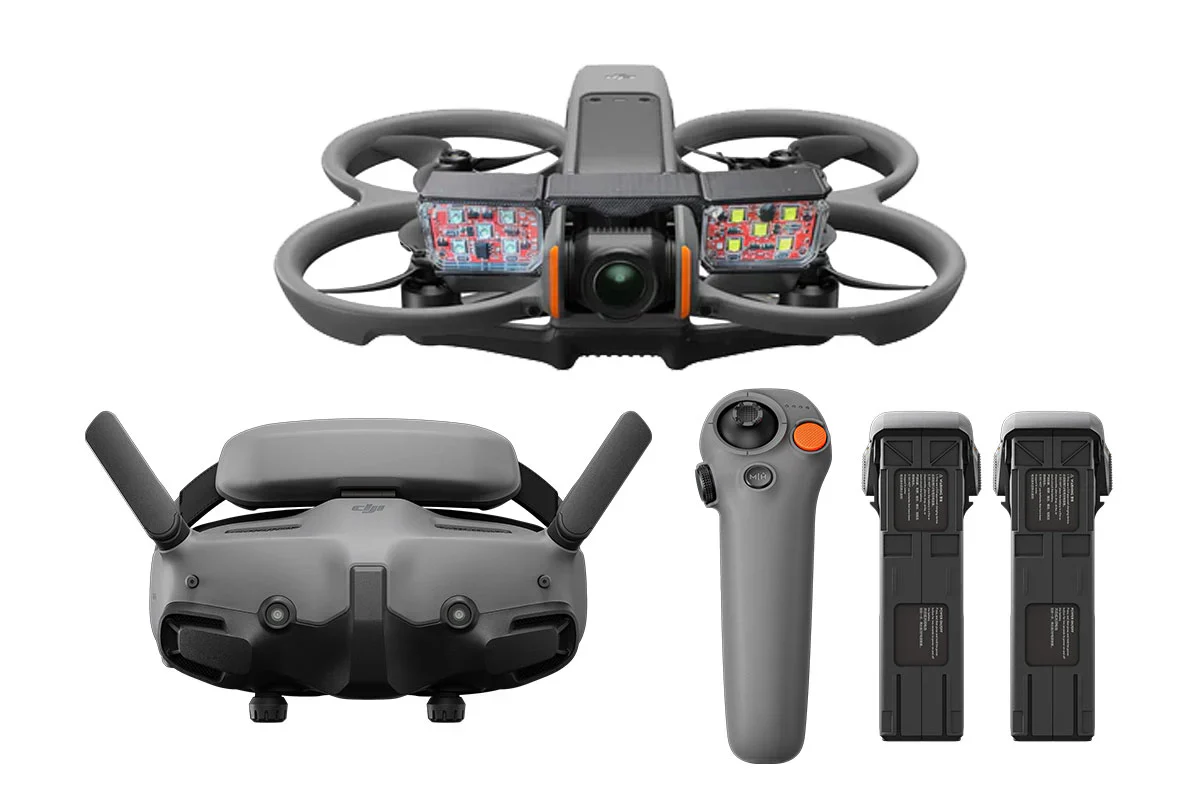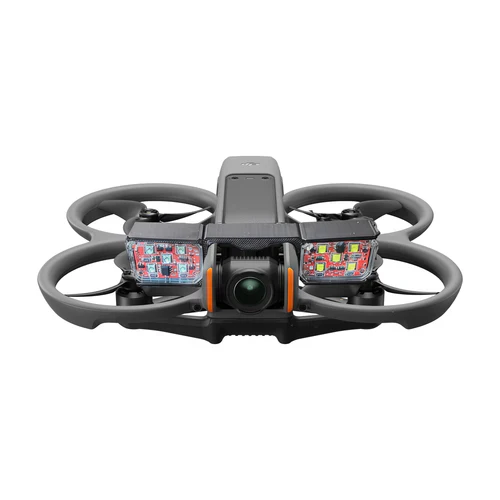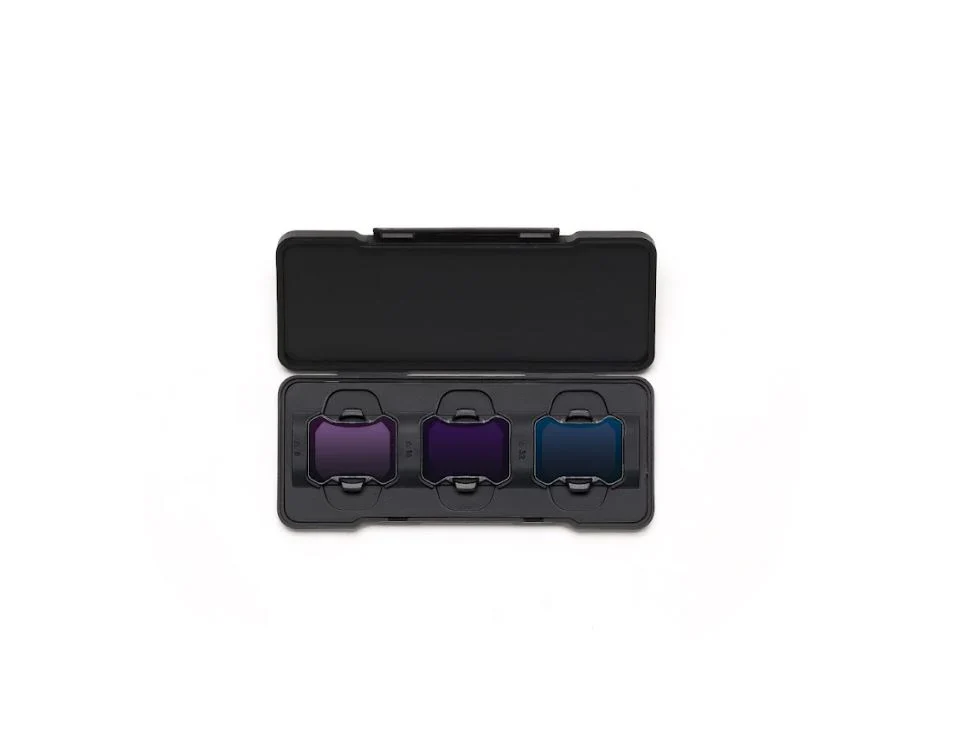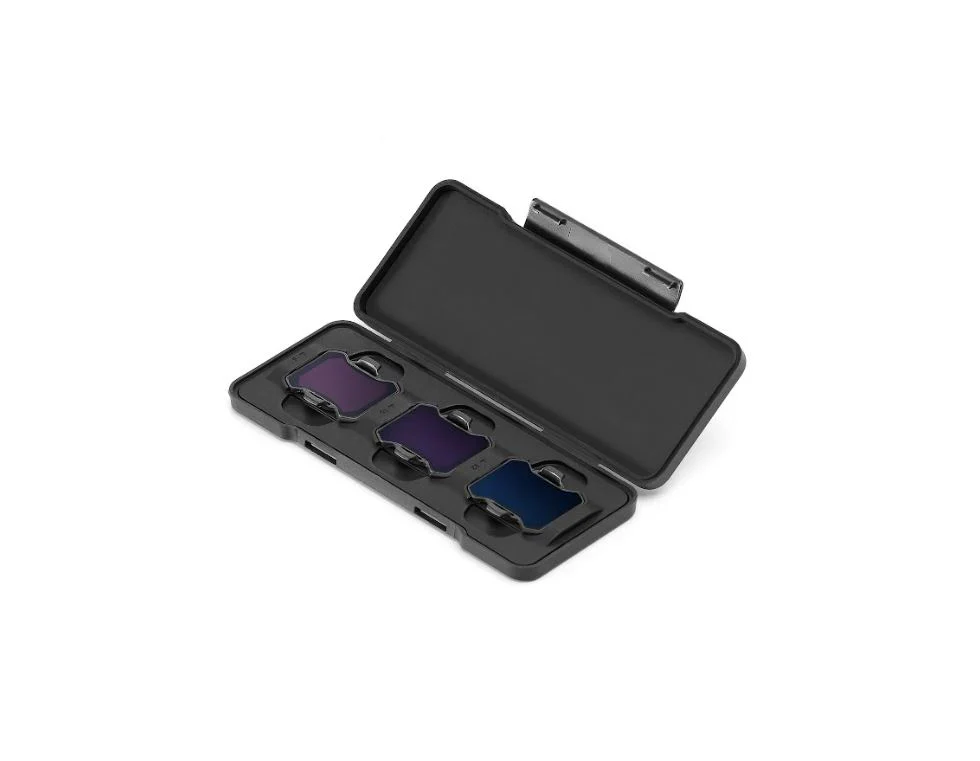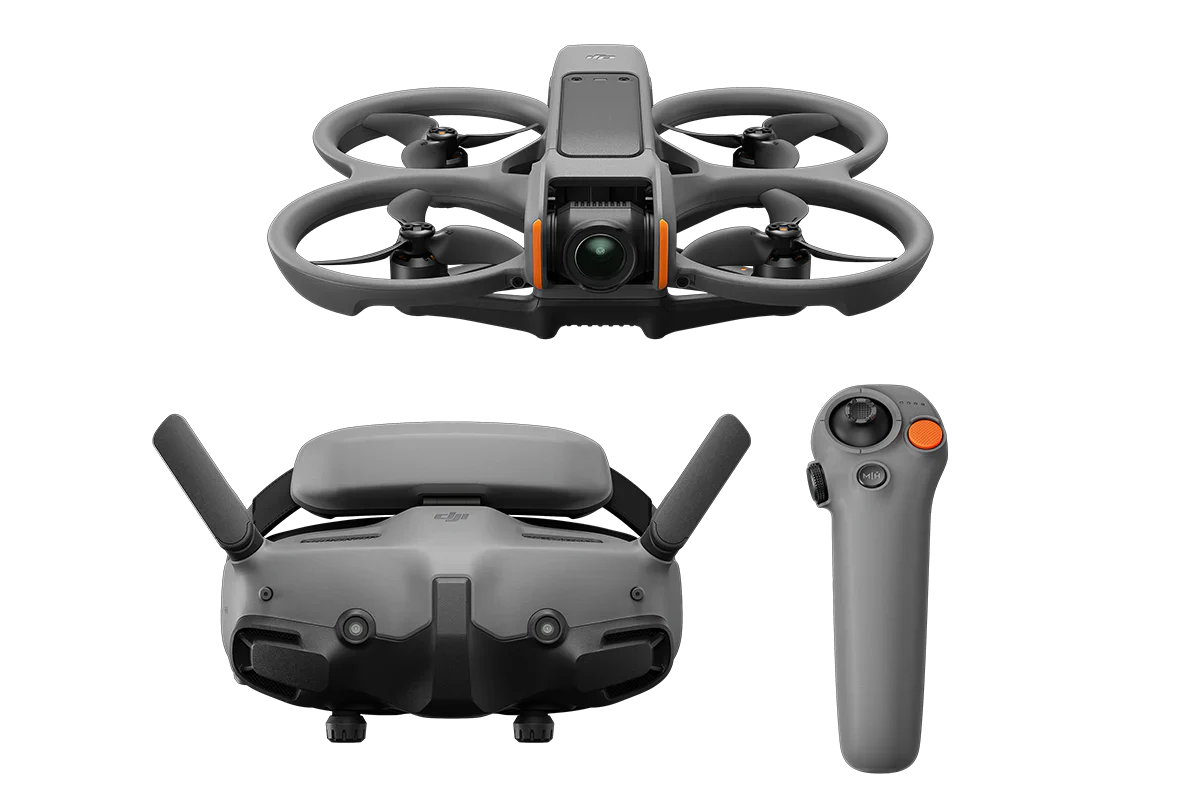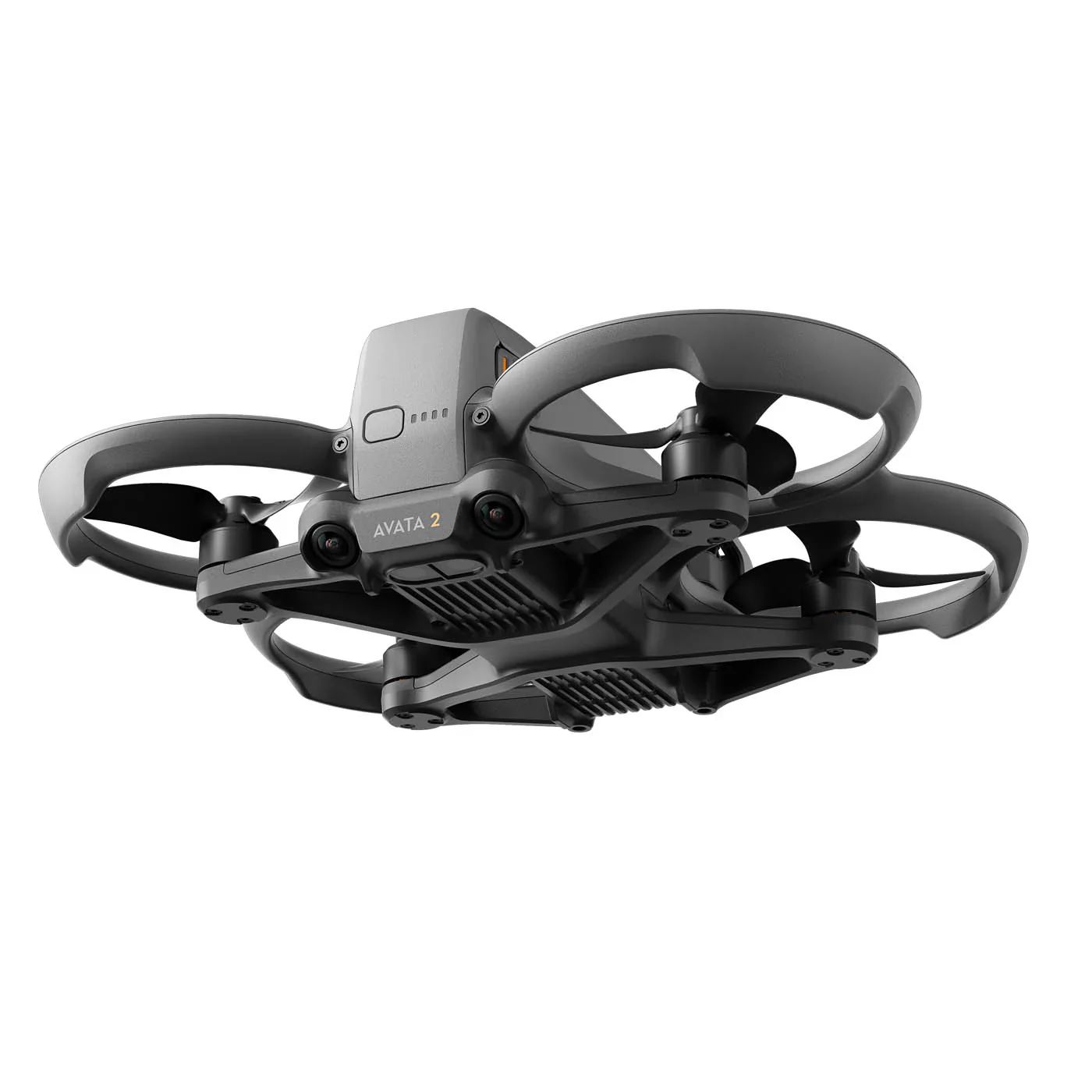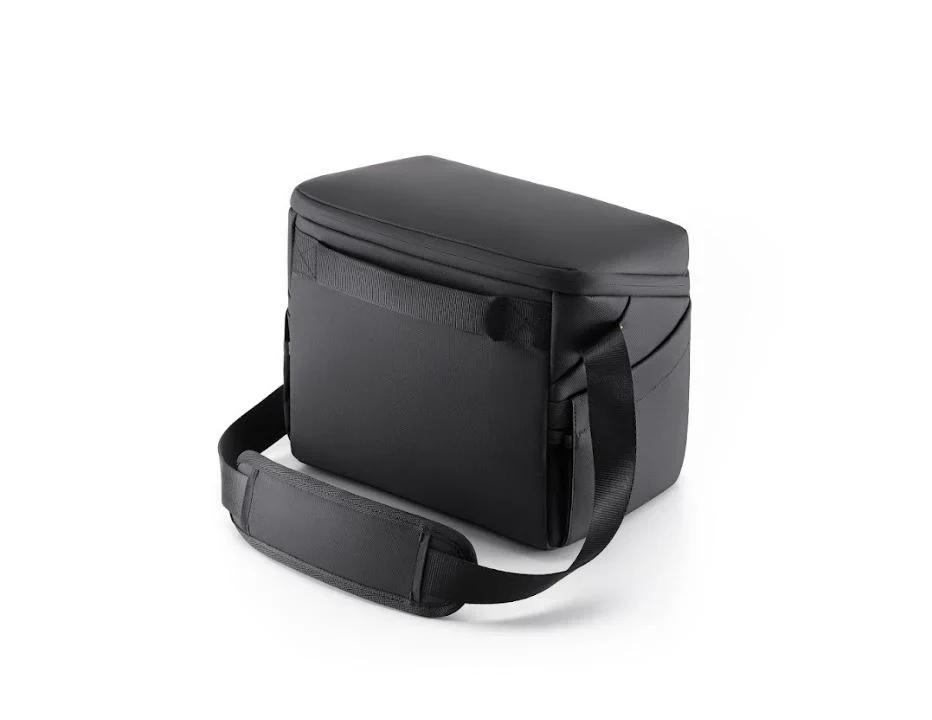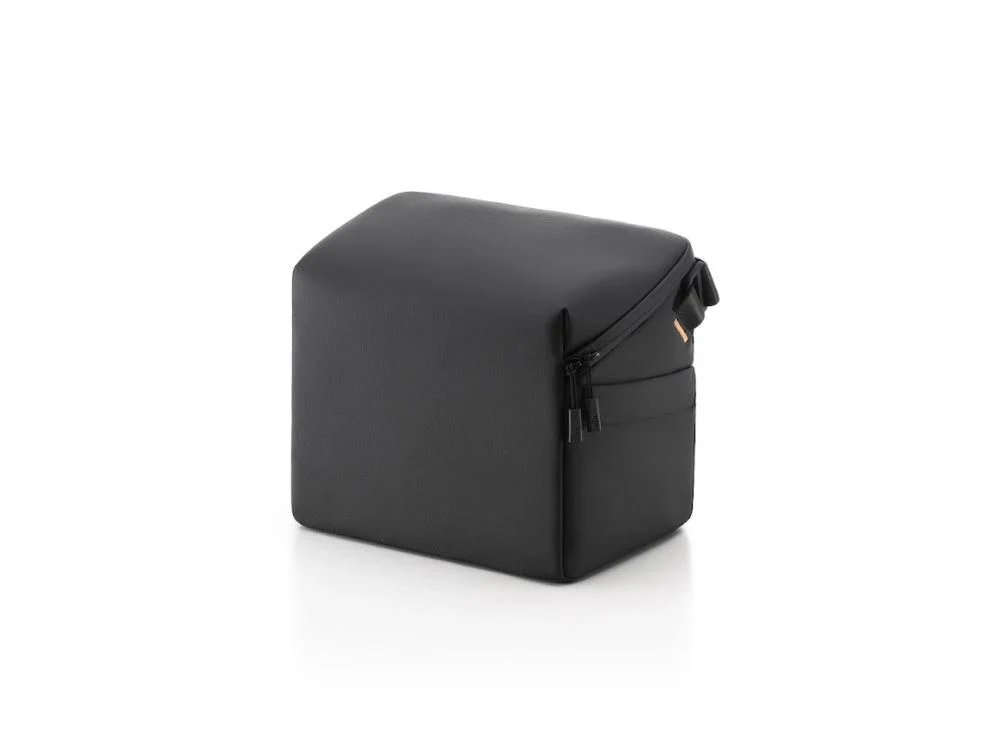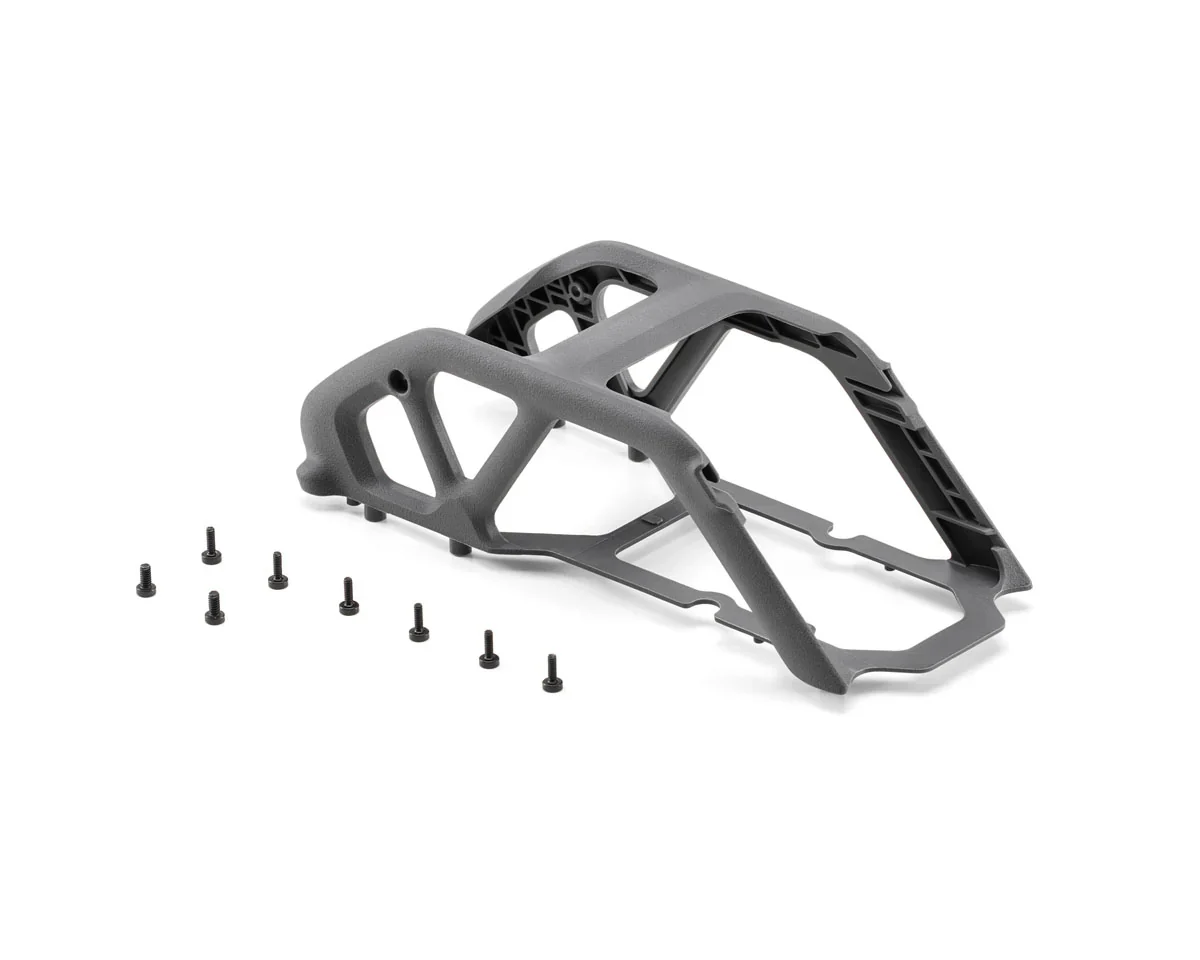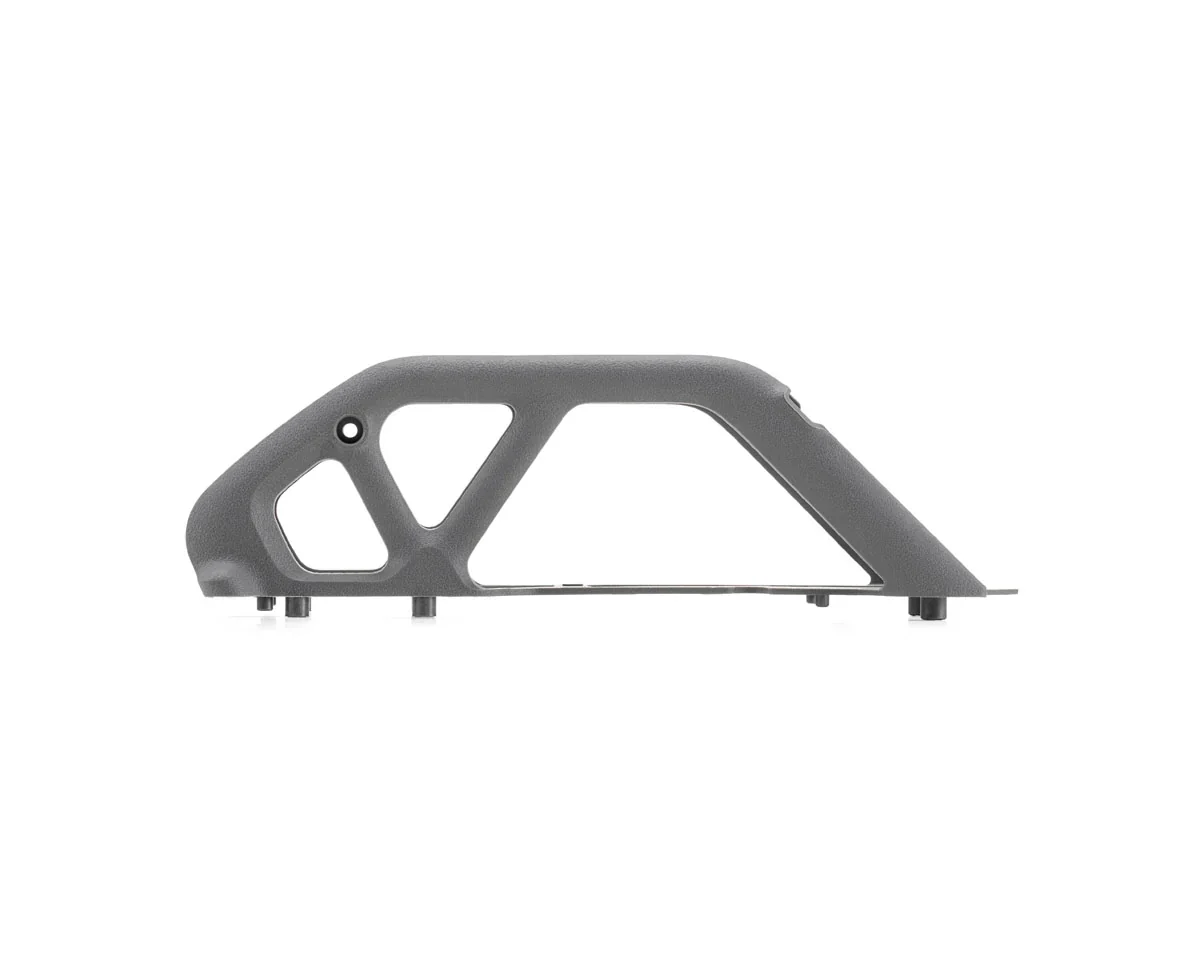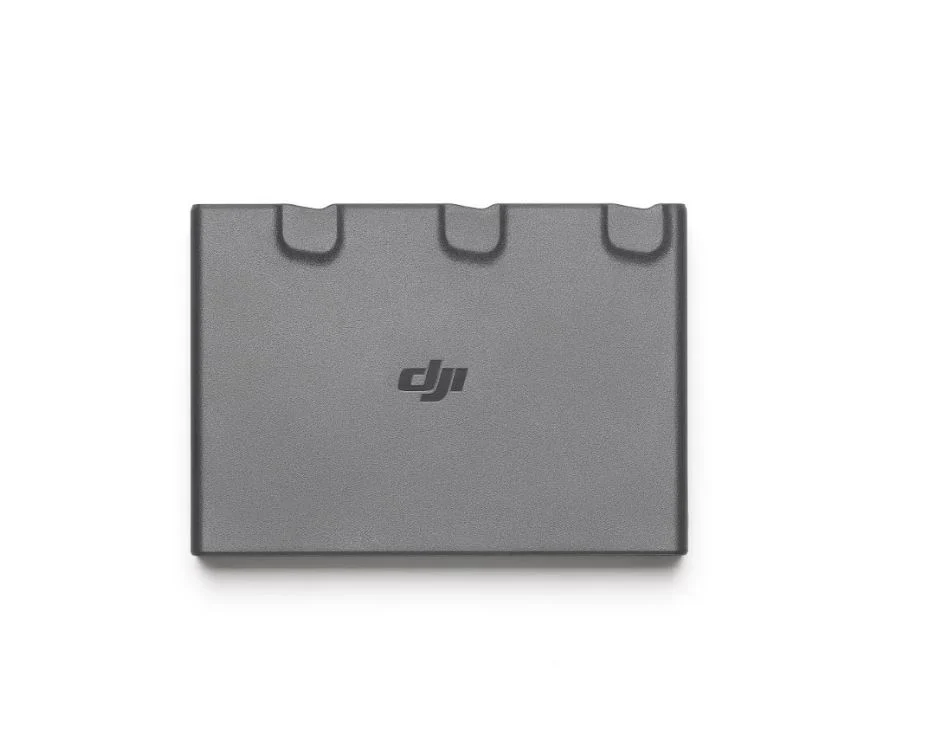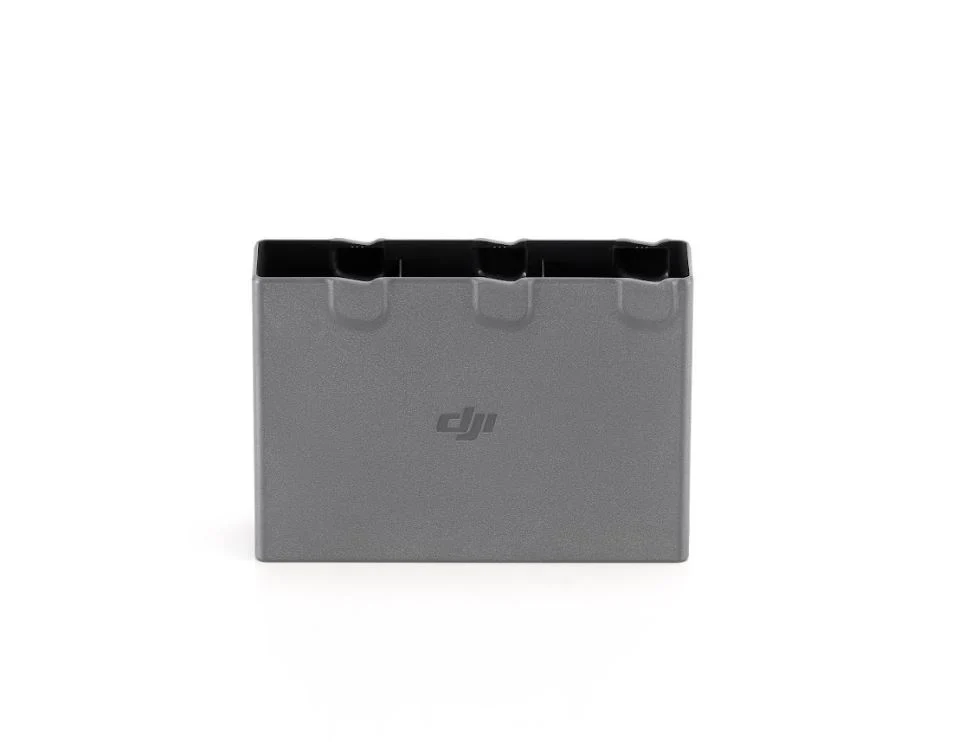
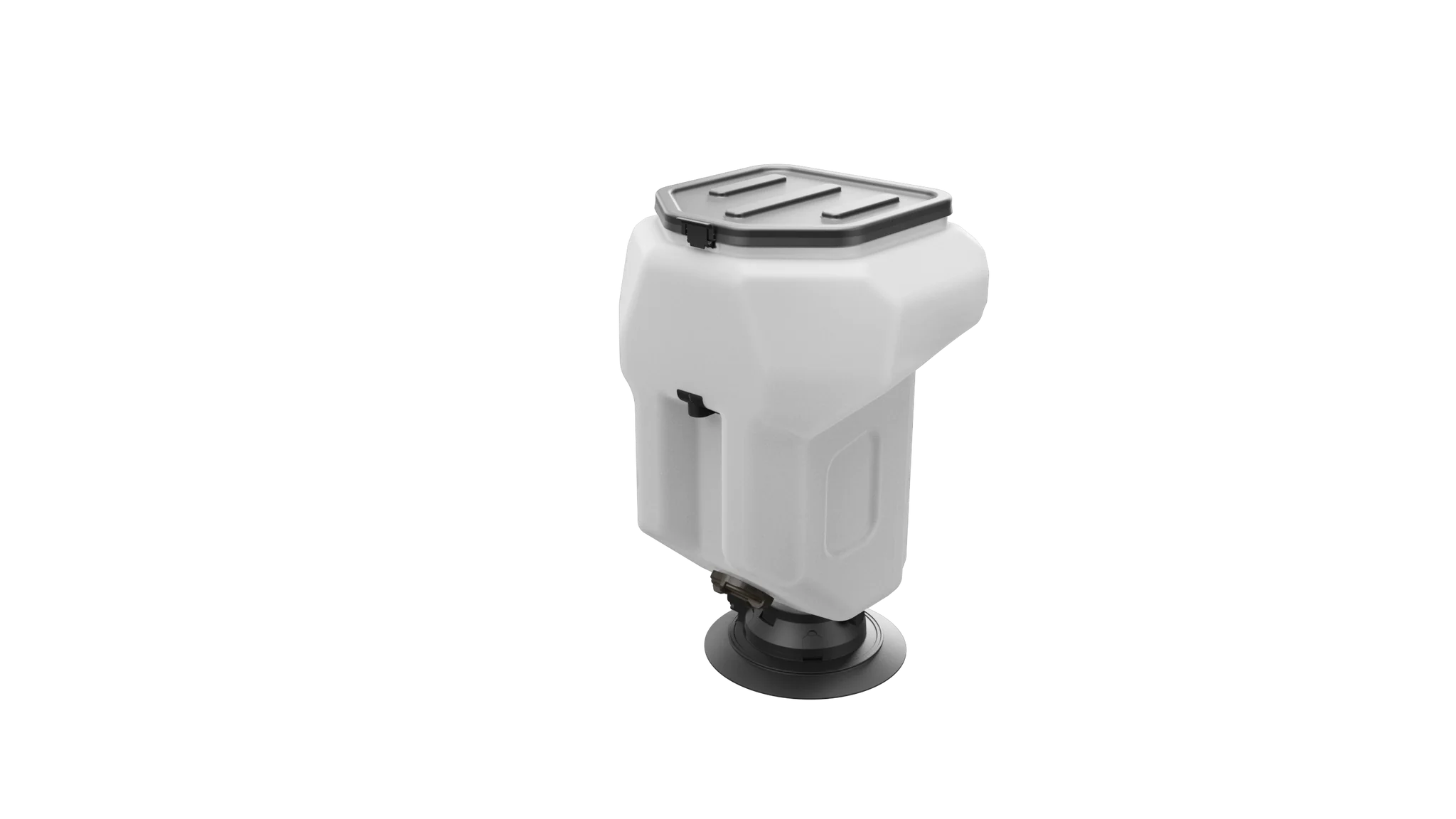
DJI Agras T50 Spreading System (Global)
DJI Agras T50 Spreading System (Global)
Description
Enhanced spreading efficiency for superior performance
- Designed for DJI Agras T series
- Spreads granular fertilizer, seed, and feed
- 50 kg capacity, 108 kg/min flow rate
Product Specifications
DJI Agras T50 Spreading System (Global) Product Specifications
| Specification | Details |
|---|---|
| SKU | CP.AG.00000780.02 |
| Manufacturer | DJI |
| UPC | 190021078338 |
| Compatible With | DJI Agras T50 |
Product Manual
N/A
Product Warranty
DJI Product Warranty
These DJI After-Sales Policies (these “Policies”) only apply to DJI products (excl. DJI Dock) you purchased from DJI authorized retailers for your own use and not for resale.
These Policies are available in other languages at http://www.dji.com/service. In the event of a conflict between different translations of these terms, the English version shall prevail.
By using your DJI product, you agree to be bound by these Policies. If you are not eligible or do not agree to any of the Terms, do not use your DJI product. You may be entitled to a full refund of your purchase of the Product if you return the inactivated Product in accordance with the Part II of these Policies.
What is Covered
Under this Limited Warranty, DJI warrants that each DJI product (excl. DJI Dock) that you purchase will be free from material and workmanship defects under normal use in accordance with DJI’s published product materials during the warranty period. DJI’s published product materials include, but not limited to, user manuals, safety guidelines, specifications, in-app notifications, and service communications.
The warranty period for different products and parts vary, please check http://www.dji.com/service to verify the duration of the warranty for your particular product or parts. The warranty period for a product starts on the day following the delivery date, If you cannot provide invoice or other valid proof of purchase, then the warranty period will start from 90 days after the shipping date that shows on the product, unless otherwise agreed upon between you and DJI.
How to Obtain Warranty Service
If a product does not function as warranted during the warranty period, you may obtain after-sales service by contacting DJI’s local service center as provided in Part III of these Policies or through http://www.dji.com/support . You will need to provide a valid proof-of-purchase, receipt or order number (for DJI Direct Sales) for the warranty service.
Charges may apply for services not covered by this Limited Warranty. Please contact DJI for information specific to your location.
Please note that the warranty service is only available in the respective DJI service regions where you purchased your DJI product.
What Will DJI Do
DJI will attempt to diagnose and resolve your problem by telephone, e-mail or online chat. DJI may direct you to download and install particular software updates.
If your problem cannot be resolved over the telephone or through the application of software updates, you may be required to deliver the product to DJI for further examination. DJI will arrange for repair or replacement service at no cost if the problem falls under this Limited Warranty.
What These After-Sales Policies Do Not Cover
These policies do not cover the following:
× Crashes or fire damage caused by non-manufacturing factors, including but not limited to, pilot errors.
× Damage caused by unauthorized modification, disassembly, or shell opening not in accordance with DJI’s official instructions or manuals.
× Damage caused by improper installation, incorrect use, or operation not in accordance with DJI’s official instructions or manuals.
× Damage caused by an unauthorized service provider.
× Damage caused by an unauthorized modification of circuits, mismatch, or misuse of battery and charger.
× Damage caused by flights not following recommended instruction manuals.
× Damage caused by operating the product in bad weather (i.e. strong wind, rain, sand or dust storm, etc.).
× Damage caused by operating the product in a surrounding environment with electromagnetic interference (i.e. mining areas, areas with radio transmission towers or high-voltage wires nearby, substations, etc.).
× Damage caused by operating the product in a surrounding environment with wireless interference (i.e. transmitters, video links, Wi-Fi devices, etc.).
× Damage caused by operating the product at a weight greater than the safe takeoff weight as specified in the instruction manuals.
× Damage caused by a forced flight when components have aged or been damaged.
× Damage caused by a reliability or compatibility issue due to use of unauthenticated third-party parts.
× Damage caused by operating the product with a defective battery or at low battery.
× Uninterrupted or error-free operations on the product.
× Loss of, or damage to, your data saved in your product.
× Not provided flight logs which are used for accident data analysis.
× Any software, whether provided with the product or installed subsequently.
× Failures or damage caused by any third-party products, including the products or accessories provided or integrated into your product by DJI at your request.
× Any technical or other support, such as assistance with “how-to” questions or inaccurate product set-up and installation.
× Products or parts with an altered identification label or from which the identification label has been removed.
Limitation of Liability
When receiving service, DJI is responsible for loss or damage to your product only while it is in DJI's possession or in transit, if DJI is responsible for transportation.
Dji is not responsible for loss or disclosure of any data, including confidential information, proprietary information, or personal information, contained in a product.
Dji will not be liable for any failure or delay in performance due to causes beyond DJI's reasonable control (such as fire, explosion, power blackout, earthquake, flood, severe storms, strike, embargo, labor disputes, acts of civil or military authority, war, terrorism (including cyber terrorism), acts of God, acts or omissions of Internet traffic carriers, actions or omissions of regulatory or governmental bodies (including the passage of laws or regulations or other acts of government that impact the delivery of Services)).
Under no circumstances, and notwithstanding the failure of essential purpose of any remedy set forth herein, shall DJI, its affiliates, suppliers, resellers, or service providers be liable for any of the following even if informed of their possibility and regardless of whether the claim is based in contract, warranty, negligence, strict liability or other theory of liability: 1) third party claims against you for damages; 2) loss, damage or disclosure of your data; 3) special, incidental, punitive, indirect or consequential damages, including but not limited to lost profits, business revenue, goodwill or anticipated savings. In no case shall the total liability of DJI, its affiliates, suppliers, resellers, or service providers for damages from any cause exceed the amount of actual direct damages, not to exceed the amount paid for the product.
The foregoing limitation does not apply to damages for bodily injury (including death), damage to real property or damage to tangible personal property for which DJI is liable under law.
As some states or jurisdictions do not allow the exclusion or limitation of incidental or consequential damages, the above limitation or exclusion may not apply to you.
Limitation Of Warranty
To the extent permitted by law, except as expressly provided in this limited warranty, DJI disclaims all warranties of any kind, whether statutory, express or implied, including: (a) any implied warranty of merchantability, fitness for a particular purpose, title, quiet enjoyment, or non-infringement; and (b) any warranty arising out of course of dealing, usage, or trade. The DJI entities do not warrant, except as expressly provided in DJI limited warranty, that the product, product accessories, or any portion of the product, or any materials, will be uninterrupted, secure, or free of errors, viruses, or other harmful components..
Should such warranties cannot be disclaimed, DJI limits the duration and remedies of such warranties to the duration of this express warranty and, at DJI's option, the repair or replacement services provided in this limited warranty.
Some jurisdictions may prohibit a disclaimer of warranties and you may have other rights that vary from jurisdiction to jurisdiction
Your Other Rights
This Limited Warranty provides you with extra and specific legal rights. You may have other rights according to the applicable laws of your state or jurisdiction. You may also have other rights under a written agreement with DJI. Nothing in this Limited Warranty affects your statutory rights, including rights of consumers under laws or regulations governing the sale of consumer products that cannot be waived or limited by agreement.
DJI Warranty
Product FAQs
DJI AGRAS Product FAQs
Aircraft
Longest control range: 2,000 m;
Maximum flight speed 10 m/s, maximum operating flight speed 10 m/s
Dual Atomizing Spraying System
The droplet size can be customized or set to one of six droplet size levels: Very Coarse, Coarse, Medium, Fine, Very Fine, and Extremely Fine.
Active Phased Array Radar System + Binocular Vision System
2. Steep-slope Terrain Follow.
2. The light intensity must be moderate, the scenarios must have rich texture features, and the Binocular Vision System must be free of stains or obstructions.
3. Active Obstacle Bypassing is supported at an altitude of 2.5-8 m. Terrain Follow is supported at an altitude of 1.5-30 m.
4. Obstacle Bypassing is not recommended around electric or guy wires.
Surveying and Mapping
*To ensure a high success rate of surveying and mapping, DJI AGRAS T50 will automatically adjust its flight speed based on the hill slope. The steeper the slope, the slower its speed.
Boundary Route surveying: Surveys and maps the 20 m wide area around the field boundary. This mode is capable of quickly surveying large areas and is suitable for areas without obstacles.
Charging Device
Spreading System
Spreading system
2. With the spiral channel spinning disk, spreading is more uniform;
3. Capacity has been increased to 75 L.
DJI RC Plus
DJI Relay Module
2. Make sure that the DJI Relay is installed at least 2 meters higher than obstacles to ensure smooth signal transmission.
3. Do not use the DJI Relay during thunderstorms.
DJI Smart Farm Web
Crop growth monitoring: Observe crop growth through NDVI and other vegetation indices to identify seedling emergence, nutritional status, weed distribution, water stress, and other conditions, to improve field scouting efficiency.
Prescription Maps: Generate prescription maps for variable rate fertilization and crop protection based on crop growth monitoring results, ensuring even growth and reducing the application of chemicals.
Fruit tree counting: Automatically count fruit tree numbers.
Surveying and mapping of orchards and farmlands: Map operation areas and plan fully automatic routes for AGRAS drones.
Farmland surveying and mapping: Generate high-resolution maps where farmland boundaries are automatically extracted, allowing users to survey the cultivated area.
Original: $989.00
-65%$989.00
$346.15Product Information
Product Information
Shipping & Returns
Shipping & Returns
Description
DJI Agras T50 Spreading System (Global)
Description
Enhanced spreading efficiency for superior performance
- Designed for DJI Agras T series
- Spreads granular fertilizer, seed, and feed
- 50 kg capacity, 108 kg/min flow rate
Product Specifications
DJI Agras T50 Spreading System (Global) Product Specifications
| Specification | Details |
|---|---|
| SKU | CP.AG.00000780.02 |
| Manufacturer | DJI |
| UPC | 190021078338 |
| Compatible With | DJI Agras T50 |
Product Manual
N/A
Product Warranty
DJI Product Warranty
These DJI After-Sales Policies (these “Policies”) only apply to DJI products (excl. DJI Dock) you purchased from DJI authorized retailers for your own use and not for resale.
These Policies are available in other languages at http://www.dji.com/service. In the event of a conflict between different translations of these terms, the English version shall prevail.
By using your DJI product, you agree to be bound by these Policies. If you are not eligible or do not agree to any of the Terms, do not use your DJI product. You may be entitled to a full refund of your purchase of the Product if you return the inactivated Product in accordance with the Part II of these Policies.
What is Covered
Under this Limited Warranty, DJI warrants that each DJI product (excl. DJI Dock) that you purchase will be free from material and workmanship defects under normal use in accordance with DJI’s published product materials during the warranty period. DJI’s published product materials include, but not limited to, user manuals, safety guidelines, specifications, in-app notifications, and service communications.
The warranty period for different products and parts vary, please check http://www.dji.com/service to verify the duration of the warranty for your particular product or parts. The warranty period for a product starts on the day following the delivery date, If you cannot provide invoice or other valid proof of purchase, then the warranty period will start from 90 days after the shipping date that shows on the product, unless otherwise agreed upon between you and DJI.
How to Obtain Warranty Service
If a product does not function as warranted during the warranty period, you may obtain after-sales service by contacting DJI’s local service center as provided in Part III of these Policies or through http://www.dji.com/support . You will need to provide a valid proof-of-purchase, receipt or order number (for DJI Direct Sales) for the warranty service.
Charges may apply for services not covered by this Limited Warranty. Please contact DJI for information specific to your location.
Please note that the warranty service is only available in the respective DJI service regions where you purchased your DJI product.
What Will DJI Do
DJI will attempt to diagnose and resolve your problem by telephone, e-mail or online chat. DJI may direct you to download and install particular software updates.
If your problem cannot be resolved over the telephone or through the application of software updates, you may be required to deliver the product to DJI for further examination. DJI will arrange for repair or replacement service at no cost if the problem falls under this Limited Warranty.
What These After-Sales Policies Do Not Cover
These policies do not cover the following:
× Crashes or fire damage caused by non-manufacturing factors, including but not limited to, pilot errors.
× Damage caused by unauthorized modification, disassembly, or shell opening not in accordance with DJI’s official instructions or manuals.
× Damage caused by improper installation, incorrect use, or operation not in accordance with DJI’s official instructions or manuals.
× Damage caused by an unauthorized service provider.
× Damage caused by an unauthorized modification of circuits, mismatch, or misuse of battery and charger.
× Damage caused by flights not following recommended instruction manuals.
× Damage caused by operating the product in bad weather (i.e. strong wind, rain, sand or dust storm, etc.).
× Damage caused by operating the product in a surrounding environment with electromagnetic interference (i.e. mining areas, areas with radio transmission towers or high-voltage wires nearby, substations, etc.).
× Damage caused by operating the product in a surrounding environment with wireless interference (i.e. transmitters, video links, Wi-Fi devices, etc.).
× Damage caused by operating the product at a weight greater than the safe takeoff weight as specified in the instruction manuals.
× Damage caused by a forced flight when components have aged or been damaged.
× Damage caused by a reliability or compatibility issue due to use of unauthenticated third-party parts.
× Damage caused by operating the product with a defective battery or at low battery.
× Uninterrupted or error-free operations on the product.
× Loss of, or damage to, your data saved in your product.
× Not provided flight logs which are used for accident data analysis.
× Any software, whether provided with the product or installed subsequently.
× Failures or damage caused by any third-party products, including the products or accessories provided or integrated into your product by DJI at your request.
× Any technical or other support, such as assistance with “how-to” questions or inaccurate product set-up and installation.
× Products or parts with an altered identification label or from which the identification label has been removed.
Limitation of Liability
When receiving service, DJI is responsible for loss or damage to your product only while it is in DJI's possession or in transit, if DJI is responsible for transportation.
Dji is not responsible for loss or disclosure of any data, including confidential information, proprietary information, or personal information, contained in a product.
Dji will not be liable for any failure or delay in performance due to causes beyond DJI's reasonable control (such as fire, explosion, power blackout, earthquake, flood, severe storms, strike, embargo, labor disputes, acts of civil or military authority, war, terrorism (including cyber terrorism), acts of God, acts or omissions of Internet traffic carriers, actions or omissions of regulatory or governmental bodies (including the passage of laws or regulations or other acts of government that impact the delivery of Services)).
Under no circumstances, and notwithstanding the failure of essential purpose of any remedy set forth herein, shall DJI, its affiliates, suppliers, resellers, or service providers be liable for any of the following even if informed of their possibility and regardless of whether the claim is based in contract, warranty, negligence, strict liability or other theory of liability: 1) third party claims against you for damages; 2) loss, damage or disclosure of your data; 3) special, incidental, punitive, indirect or consequential damages, including but not limited to lost profits, business revenue, goodwill or anticipated savings. In no case shall the total liability of DJI, its affiliates, suppliers, resellers, or service providers for damages from any cause exceed the amount of actual direct damages, not to exceed the amount paid for the product.
The foregoing limitation does not apply to damages for bodily injury (including death), damage to real property or damage to tangible personal property for which DJI is liable under law.
As some states or jurisdictions do not allow the exclusion or limitation of incidental or consequential damages, the above limitation or exclusion may not apply to you.
Limitation Of Warranty
To the extent permitted by law, except as expressly provided in this limited warranty, DJI disclaims all warranties of any kind, whether statutory, express or implied, including: (a) any implied warranty of merchantability, fitness for a particular purpose, title, quiet enjoyment, or non-infringement; and (b) any warranty arising out of course of dealing, usage, or trade. The DJI entities do not warrant, except as expressly provided in DJI limited warranty, that the product, product accessories, or any portion of the product, or any materials, will be uninterrupted, secure, or free of errors, viruses, or other harmful components..
Should such warranties cannot be disclaimed, DJI limits the duration and remedies of such warranties to the duration of this express warranty and, at DJI's option, the repair or replacement services provided in this limited warranty.
Some jurisdictions may prohibit a disclaimer of warranties and you may have other rights that vary from jurisdiction to jurisdiction
Your Other Rights
This Limited Warranty provides you with extra and specific legal rights. You may have other rights according to the applicable laws of your state or jurisdiction. You may also have other rights under a written agreement with DJI. Nothing in this Limited Warranty affects your statutory rights, including rights of consumers under laws or regulations governing the sale of consumer products that cannot be waived or limited by agreement.
DJI Warranty
Product FAQs
DJI AGRAS Product FAQs
Aircraft
Longest control range: 2,000 m;
Maximum flight speed 10 m/s, maximum operating flight speed 10 m/s
Dual Atomizing Spraying System
The droplet size can be customized or set to one of six droplet size levels: Very Coarse, Coarse, Medium, Fine, Very Fine, and Extremely Fine.
Active Phased Array Radar System + Binocular Vision System
2. Steep-slope Terrain Follow.
2. The light intensity must be moderate, the scenarios must have rich texture features, and the Binocular Vision System must be free of stains or obstructions.
3. Active Obstacle Bypassing is supported at an altitude of 2.5-8 m. Terrain Follow is supported at an altitude of 1.5-30 m.
4. Obstacle Bypassing is not recommended around electric or guy wires.
Surveying and Mapping
*To ensure a high success rate of surveying and mapping, DJI AGRAS T50 will automatically adjust its flight speed based on the hill slope. The steeper the slope, the slower its speed.
Boundary Route surveying: Surveys and maps the 20 m wide area around the field boundary. This mode is capable of quickly surveying large areas and is suitable for areas without obstacles.
Charging Device
Spreading System
Spreading system
2. With the spiral channel spinning disk, spreading is more uniform;
3. Capacity has been increased to 75 L.
DJI RC Plus
DJI Relay Module
2. Make sure that the DJI Relay is installed at least 2 meters higher than obstacles to ensure smooth signal transmission.
3. Do not use the DJI Relay during thunderstorms.
DJI Smart Farm Web
Crop growth monitoring: Observe crop growth through NDVI and other vegetation indices to identify seedling emergence, nutritional status, weed distribution, water stress, and other conditions, to improve field scouting efficiency.
Prescription Maps: Generate prescription maps for variable rate fertilization and crop protection based on crop growth monitoring results, ensuring even growth and reducing the application of chemicals.
Fruit tree counting: Automatically count fruit tree numbers.
Surveying and mapping of orchards and farmlands: Map operation areas and plan fully automatic routes for AGRAS drones.
Farmland surveying and mapping: Generate high-resolution maps where farmland boundaries are automatically extracted, allowing users to survey the cultivated area.